

Most candidate sourcing software is built for in-house talent teams filling their own roles. Recruiting agencies source differently. You're filling roles for several clients at once, speed to a strong shortlist decides who gets the placement, and the candidates you find usually haven't applied to anything.
This list is built for agencies. It covers the main types of sourcing tools, what each one is best at, and the step right after sourcing where agencies most often lose the candidates they worked hard to find.
What to look for in candidate sourcing software
Reach beyond one network. LinkedIn is essential, but strong candidates for niche roles are often easier to find through other sources, so look for tools that search across profiles, portfolios and the open web.
Contact data you can actually use. A great profile without a working email or phone number is a dead end. Accurate contact details save more time than any search filter.
Outreach built in or connected. Sourcing and outreach belong together. Tools that run message sequences, or push candidates into the outreach tool you already use, keep the pipeline moving.
It writes back to your ATS. Ownership matters at an agency. If sourced candidates and their replies don't land in your ATS, you lose track of who reached out first and when.
Pricing that fits an agency team. Many sourcing platforms are priced for enterprise talent acquisition budgets. Check what a seat costs for a small desk before you fall for a demo.
Talent databases and search
1. LinkedIn Recruiter
LinkedIn Recruiter is still the starting point for most agency desks. It gives you advanced search filters across LinkedIn's member base, InMail to reach people you aren't connected with, and projects for organizing pipelines by role. Recruiter Lite works for solo recruiters, while larger agencies usually need the full Recruiter seat for team collaboration.
Best for: every agency, as the baseline source for professional profiles.
2. hireEZ
hireEZ (formerly Hiretual) searches profiles across LinkedIn and the open web, enriches them with contact details, and includes outreach sequences. It can also rediscover past candidates already sitting in your ATS, which is useful for agencies with years of pipeline data.
Best for: agencies that want broad search, contact data and outreach in one place.
3. SeekOut
SeekOut offers a large searchable talent database with deep filters, and it is especially strong for technical and hard-to-fill profiles. It is built mainly for enterprise talent teams, and its pricing and onboarding reflect that.
Best for: larger agencies working technical, specialized or high-volume searches.
AI sourcing tools
4. Juicebox
Juicebox lets you describe the candidate you want in plain language and returns ranked matches. Its sourcing agents can keep looking in the background and surface new candidates as they appear, and outreach runs from the same tool.
Best for: recruiters who want fast, natural-language search without writing Boolean strings.
5. Pin
Pin scores sourced candidates against your job requirements and returns a ranked shortlist, then handles outreach from the same place. Sourcing and first contact happen in one workflow.
Best for: small agency teams that want sourcing and outreach automated together.
6. Fetcher
Fetcher combines automated sourcing with personalized email sequences. You set up the search for a role, review batches of candidates as they come in, and Fetcher handles follow-ups for the ones you approve.
Best for: agencies that want a steady flow of candidates per role with outreach on autopilot.
Sourcing CRMs and agency platforms
7. Loxo
Loxo is an ATS and CRM built for recruiting firms, with sourcing, contact data and outreach included. Because sourced candidates live in the same system as your jobs and clients, ownership and activity history stay in one place. If you already run your desk on Loxo, our guide to Loxo interview scheduling covers what happens after a candidate replies.
Best for: agencies that want sourcing, ATS and CRM in one platform.
8. Gem
Gem started as a sourcing CRM, with a browser extension for saving candidates from LinkedIn and other sites, outreach sequences and pipeline analytics. It is used mostly by in-house teams, but its nurture features suit agencies that build long-term talent pools for repeat clients.
Best for: agencies that nurture candidates over months, not just for one open role.
Contact data tools
9. ContactOut
ContactOut is a browser extension that finds emails and phone numbers for profiles you're already viewing. It doesn't replace a sourcing platform, but it fills the gap when your main tool has a profile and no way to reach the person.
Best for: recruiters who source on LinkedIn and need reliable contact details.
After sourcing: booking the first call
10. Arrange
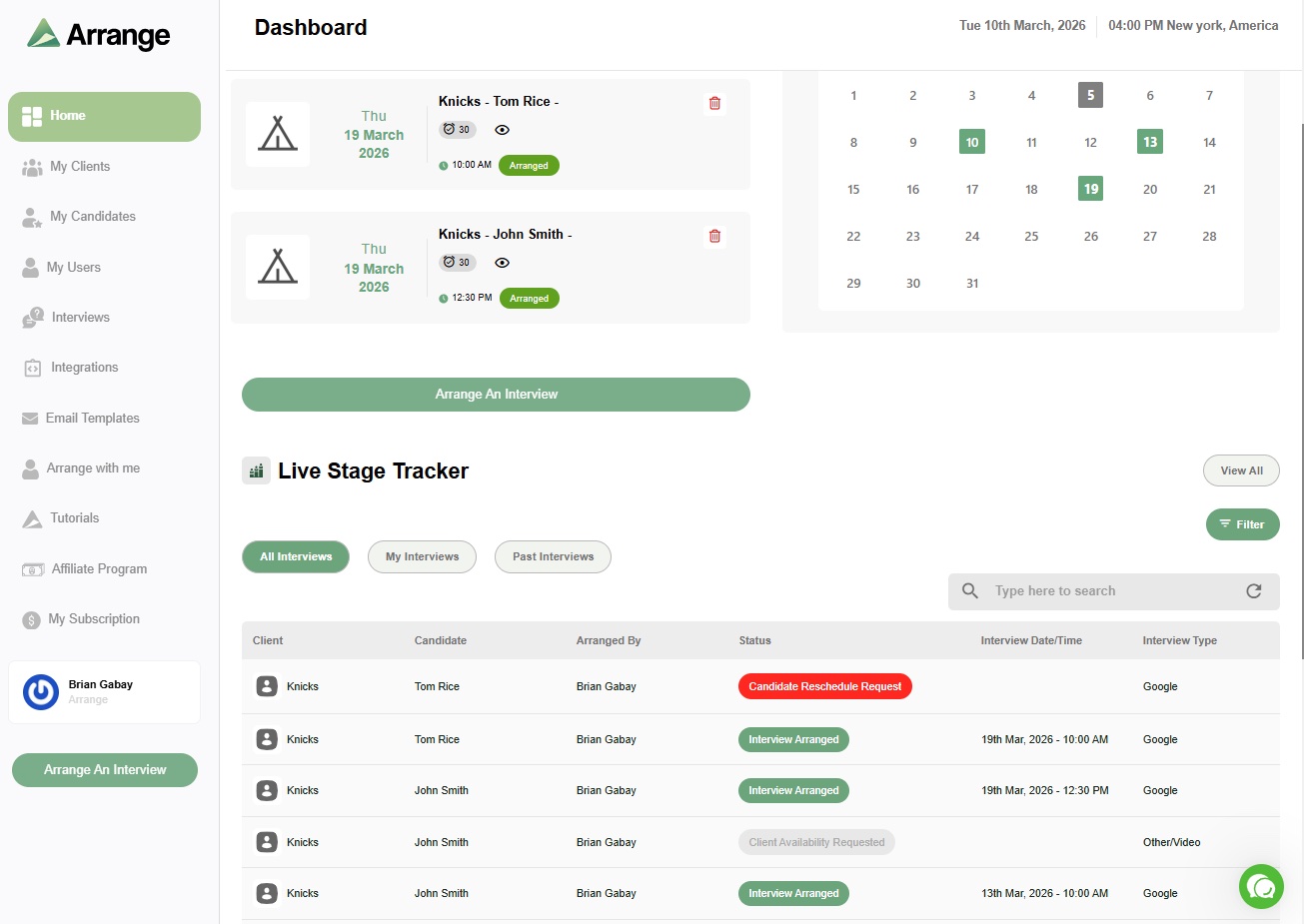
Arrange isn't a sourcing tool. It handles the moment right after sourcing works: a candidate replies, and you need a call on the calendar before their interest fades. Instead of trading times over email, you send a scheduling link and the candidate books directly. When that candidate moves forward, Arrange schedules the client interviews too, matching availability between candidate and hiring manager without either of them creating an account.
Best for: agency recruiters who want sourced candidates on a call quickly and client interviews booked without the back-and-forth.
How to build your sourcing stack
Most agencies don't need every tool on this list. A practical setup looks like this:
Start with one primary source. LinkedIn Recruiter plus one broader search or AI sourcing tool covers most desks.
Add contact data only if your main tool lacks it. Paying twice for the same emails is a common and avoidable cost.
Keep everything in your ATS. Sourced candidates, replies and calls should all be logged where your team can see them, so ownership is never in question.
Shorten the gap between reply and call. Replies are hard won. A candidate who replies today and gets a call next week often goes cold.
For a look at how sourcing fits with the rest of your tools, see our guides to the best recruiting automation tools for agencies, the best recruiting platforms for recruiting agencies and the recruiter's tech stack in 2026.
Where Arrange fits
Arrange doesn't find candidates. It makes sure the candidates you find actually get on a call, and later in front of your client, without a week of email. Arrange Pro comes with a 14-day free trial, and there's a free plan if you'd rather start small.
Frequently asked questions
What is candidate sourcing software?
Candidate sourcing software helps recruiters find and reach people who haven't applied for a role. It includes talent databases, AI search tools, contact data tools and sourcing CRMs that manage outreach and follow-up.
What's the best candidate sourcing software for a small recruiting agency?
For most small agencies, LinkedIn Recruiter paired with one AI sourcing tool, or an agency platform with sourcing built in like Loxo, covers the essentials without enterprise pricing. Add a contact data tool only if your main platform doesn't provide reliable emails and phone numbers.
Can candidate sourcing be automated?
Much of it can. AI tools can search, rank and message candidates on a schedule. The parts that still need a recruiter are judging fit, building the relationship once a candidate replies, and getting them on a call quickly.