Generate a smart scheduling link to include when submitting candidates to hiring managers. Simply add the link to your email (ex: “If you’d like to meet this candidate, click here”). The hiring manager can request the candidate’s availability or provide their own — no login required.
Arrange Connect (panel/group scheduling)
For clients with multiple hiring managers. Arrange Connect consolidates all their availability into one calendar view for the candidate, so they pick a time that works across the whole team at once.
Matchmaker (parallel availability collection)
Collects availability from the candidate and client at the same time, in parallel, rather than sequentially and schedules the first available time.
For any unanswered questions, reach out to our support team via email. We'll respond as soon as possible to assist you.
Is Arrange just another scheduling link tool?
No. Arrange includes personal scheduling links, but its core value is coordinating interviews between multiple external parties. It collects availability, tracks progress, and sends invites automatically, while giving you full visibility and control.
Who is Arrange built for?
Recruiters, talent teams, executive assistants, and coordinators who manage interviews between candidates, clients, and hiring managers.
If you’re the middle person organizing the process, Arrange is built for you.
Do candidates and hiring managers need accounts?
No. Candidates and clients receive branded emails and forms to provide availability or confirm interviews. They do not need to create an account.
How does Arrange compare to tools like Calendly?
Calendly works well for 1:1 booking. Arrange is built for multi-party interview coordination, where availability needs to be collected, matched, tracked, and managed across several people.
Can I still manually control interviews?
Yes. You can send reminders, resend links, edit details, reschedule, or cancel interviews at any stage.
Does Arrange integrate with my calendar and ATS?
Arrange integrates with Google and Outlook calendars, includes Zoom, Meet, and Teams links automatically, and supports ATS integrations.
Does Arrange support panel interviews?
Yes. Arrange Connect combines availability across multiple hiring managers so candidates can book against real-time shared availability.
Is my calendar data secure?
Arrange only accesses open availability to coordinate scheduling. Private event details are never shared.
Are clients or hiring managers required to connect their calendar to Arrange?
No. The only flow that requires a connected calendar is Arrange Connect, which powers real-time booking pages for clients and hiring managers.
Every other flow (Client First, Candidate First, Matchmaker, and Candidate Scheduling Links) works without any external calendar connection, so you can keep scheduling seamlessly regardless of their preference.
How does Arrange handle scheduling once a client wants to meet a candidate?
When presenting a candidate to a client, you can include a scheduling link directly in your message, something like: "Interested in meeting this candidate? Click here."
The client clicks the link, no account or login required. A short form appears asking whether they'd like to share their availability or receive the candidate's instead.
Once they submit, scheduling kicks off automatically.
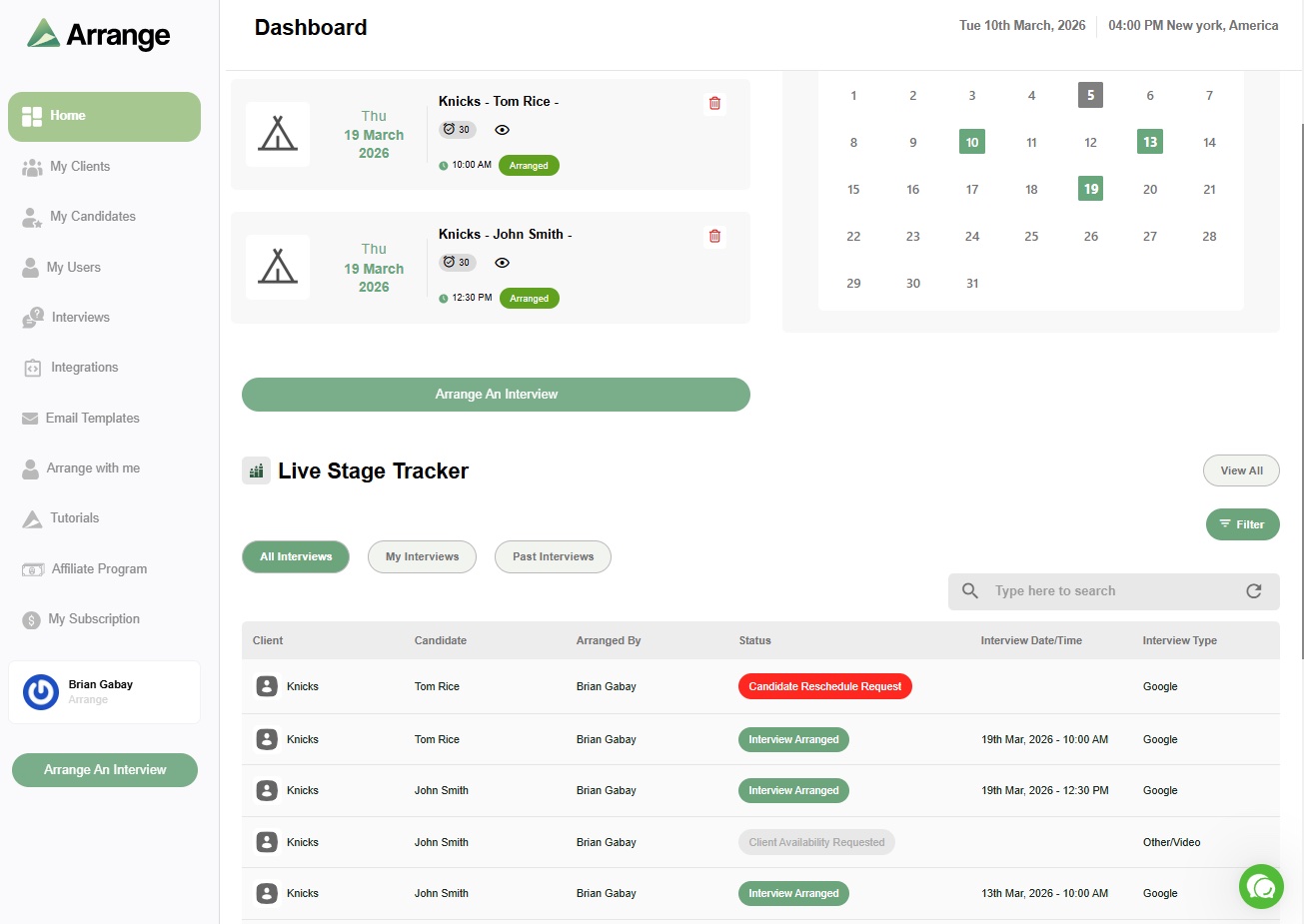
You get full visibility throughout, with every update reflected in real time on your dashboard.
Get Started
Stop chasing availability.
Let Arrange coordinate your interviews, automatically.