


Loxo is one of the most widely used ATS platforms among external recruiting agencies. It handles sourcing, outreach sequences, candidate records, and client pipeline management well - and it integrates with Arrange to handle the scheduling coordination that ATS platforms typically fall short on.
Here's how the combination works and where the integration adds the most value.

Where Loxo's native scheduling falls short
Loxo includes basic interview scheduling features - calendar integration, the ability to log interview activity in the candidate record, and some coordination functionality. For straightforward internal-style scheduling, it covers the basics.
Where it gets difficult is the external coordination layer that agency recruiters deal with daily. When you've submitted a candidate to a client and they're interested, you need to coordinate availability between two parties who aren't in your Loxo account, don't share a calendar with each other, and have no incentive to log into your system. Loxo's native scheduling doesn't have a native solution for that workflow - so the coordination typically happens over email, and Loxo gets updated manually after the fact.
That manual step is where records slip. Busy recruiters skip the update. Pipeline data becomes unreliable. Interview history is incomplete.
How the Loxo and Arrange integration works
Arrange integrates directly with Loxo. When you create a scheduling link in Arrange, you tag it to the relevant job and candidate record in Loxo. When the interview is confirmed through Arrange - after the client and candidate have handled availability through the link without logging in to anything - Loxo updates automatically.
The candidate's stage advances to the interview stage. The interview details - date, time, participants, meeting link - are logged in the activity history. You don't have to touch Loxo for any of this to happen.
For recruiters managing multiple active searches in Loxo, this means the CRM stays current without requiring manual updates after every confirmation. The pipeline data reflects what's actually happening, not what someone remembered to log.
The workflow in practice
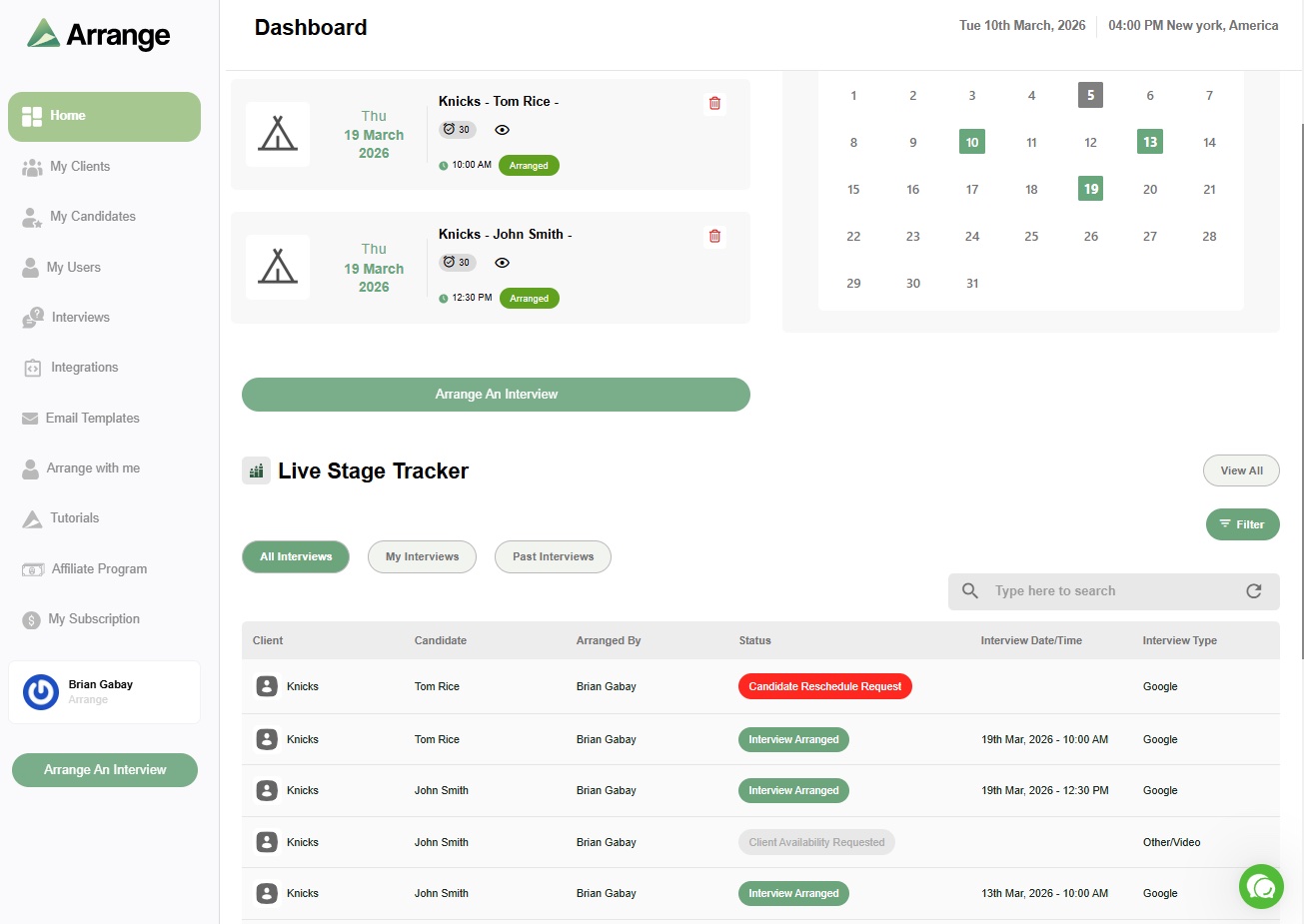
The typical flow looks like this: submit a candidate to a client with the Arrange scheduling link included in the submission email. The client clicks the link when they're ready and either provides their availability or requests the candidate's times. The candidate interacts through the same link. When both sides complete their step, the interview is confirmed, calendar invites go out, and Loxo updates automatically.
The recruiter's active involvement is sending the submission. Everything after that happens without manual input.
If you're already using Loxo and spending time on manual scheduling coordination and ATS updates, the integration is worth testing. There's a 14-day free trial at letsarrange.io.


.jpg)

.jpg)
.jpg)