


If you're searching for an interview scheduling platform that integrates with your ATS, you've probably already discovered the problem: almost every scheduling tool claims ATS integration, but the depth of that integration varies enormously.
Some tools log a note. Some update a field. A few actually close the loop - moving a candidate's stage, logging interview details, and syncing calendar data without any manual input from the recruiter.
The difference between a surface-level integration and a real one is measured in hours of manual work per week. Here's what to look for and which platforms actually deliver it.
What real ATS integration actually means
When most scheduling tools say they integrate with your ATS, they mean one of two things:
First, they can pull candidate data from your ATS into their scheduling interface - so you don't have to re-enter a candidate's name and email when creating a scheduling link. That's useful but it's essentially a one-way data pull, not a true integration.
Second, they push a basic confirmation back to the ATS when an interview is booked - usually a note or activity log entry that says something happened. Better, but still requires the recruiter to manually move the candidate's stage and log the interview details separately.
Real ATS integration does all of the following automatically when an interview is confirmed:
The candidate's stage advances in the ATS - from submitted or screening to interview stage, without the recruiter manually dragging a card or changing a dropdown.
The interview details are logged - date, time, participants, and meeting link are recorded in the candidate's activity history without manual data entry.
Calendar invites go out to all parties simultaneously - the candidate, the client or hiring manager, and the recruiter all receive calendar confirmations at the moment the interview is booked.
The recruiter does nothing after triggering the initial scheduling link. Everything else is automatic.
Why most scheduling tools fall short
The reason most scheduling platforms have shallow ATS integrations isn't technical laziness - it's that they were built for a different use case.
Most scheduling tools were designed for internal teams where the recruiter has direct access to hiring manager calendars and the candidate is the only external party. In that setup a basic ATS note is often sufficient because the recruiter can see everything in one place.
Agency recruiters face a fundamentally different problem. They're coordinating between two external parties - a candidate and a client - who have no shared calendar system and no direct relationship with each other. The recruiter is the middleperson for every exchange. In that context a shallow integration that just logs a note doesn't close the loop - it just adds another task to the recruiter's list.
The scheduling platforms that integrate most deeply with ATS systems are the ones that were purpose-built for the agency recruiting workflow rather than adapted from a general-purpose scheduling tool.
Which scheduling platforms actually integrate with ATS systems
Arrange

Arrange was built specifically for agency recruiters and offers native integrations with the ATS platforms agency recruiters actually use: Loxo, Crelate, RecruitCRM, Recruiterflow and more coming soon.
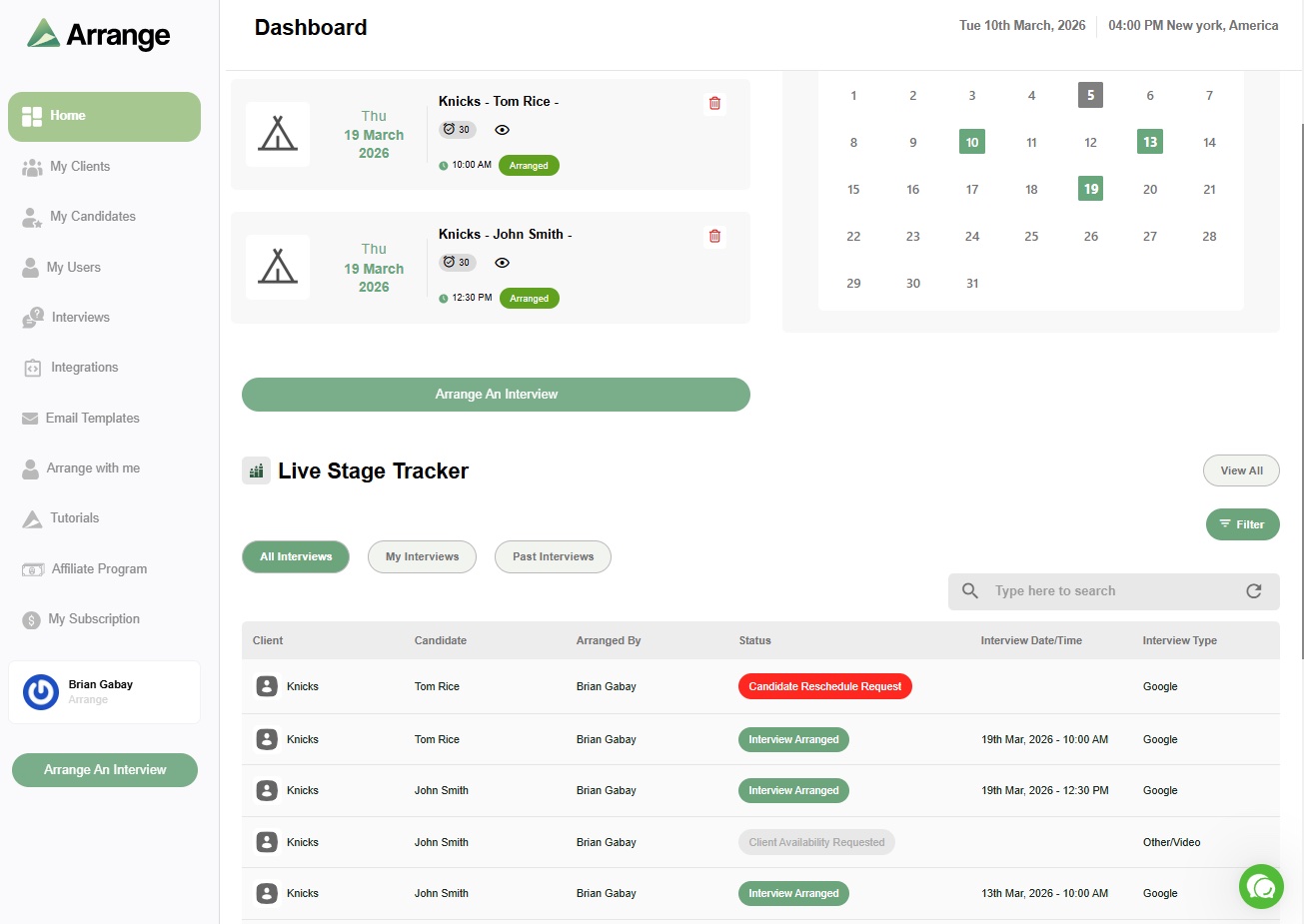
The integration works in both directions. When a recruiter creates a scheduling link in Arrange, they tag it to a specific job in their ATS. When the interview is confirmed, Arrange automatically advances the candidate's stage in the ATS and logs the interview details - date, time, participants - without any manual input.
Neither the candidate nor the client needs to create an account or log in to anything. They receive a link, make their availability selection, and the interview is confirmed. The ATS update happens in the background.
This is the closest to a complete closed-loop integration available for agency recruiters. The recruiter triggers the process once and the ATS reflects the outcome automatically.
GoodTime

GoodTime integrates with enterprise ATS platforms including Greenhouse, Lever, Workday, and iCIMS. It's built primarily for in-house talent acquisition teams running high-volume, multi-panel interview loops at enterprise scale.
The integration is deep on the in-house side - GoodTime can read hiring team calendars, auto-suggest interview panels, and push detailed scheduling data back to the ATS. For internal TA teams at large companies it's a strong option.
For agency recruiters coordinating with external clients, GoodTime's model assumes calendar access and organizational infrastructure that agency recruiters typically don't have. It's solving a different version of the scheduling problem.
Greenhouse
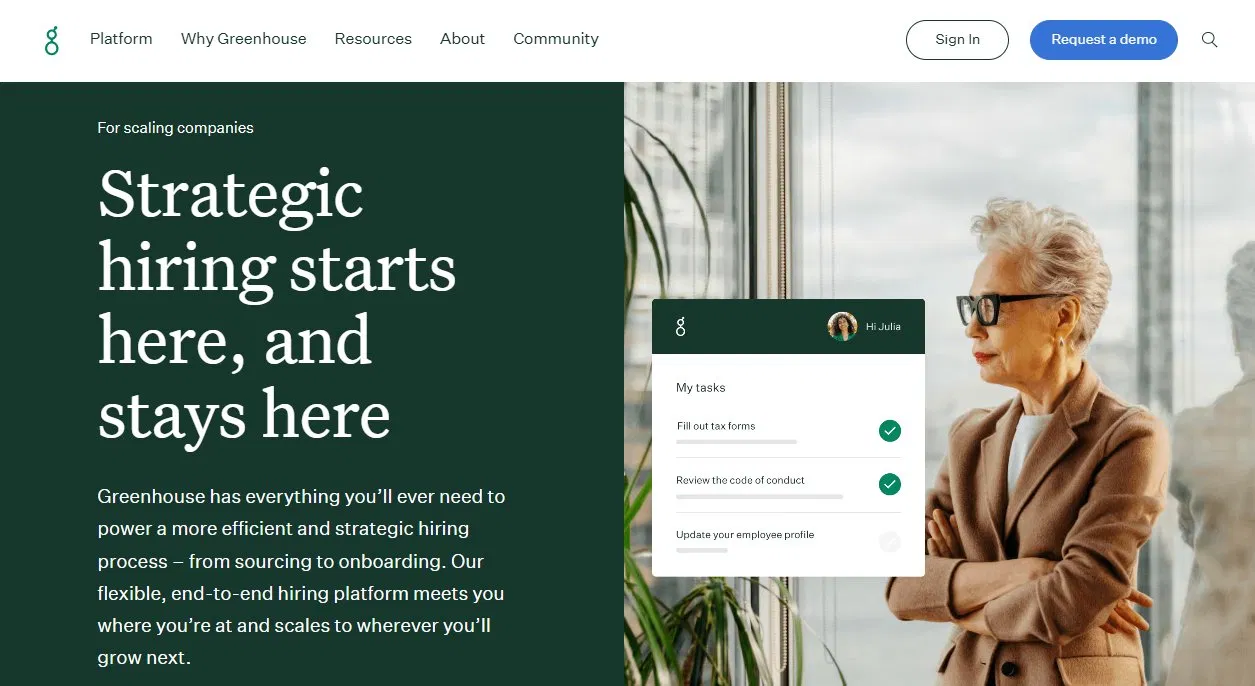
Greenhouse has scheduling functionality built directly into the platform. For companies already using Greenhouse as their ATS, the native scheduling feature integrates seamlessly because it lives inside the same system.
The limitation is that Greenhouse scheduling was designed for the in-house recruiter use case - it assumes the recruiter has access to hiring manager calendars and that candidates are the only external party. For agencies coordinating with external clients, the native Greenhouse scheduling doesn't address the three-party coordination problem.
Calendly
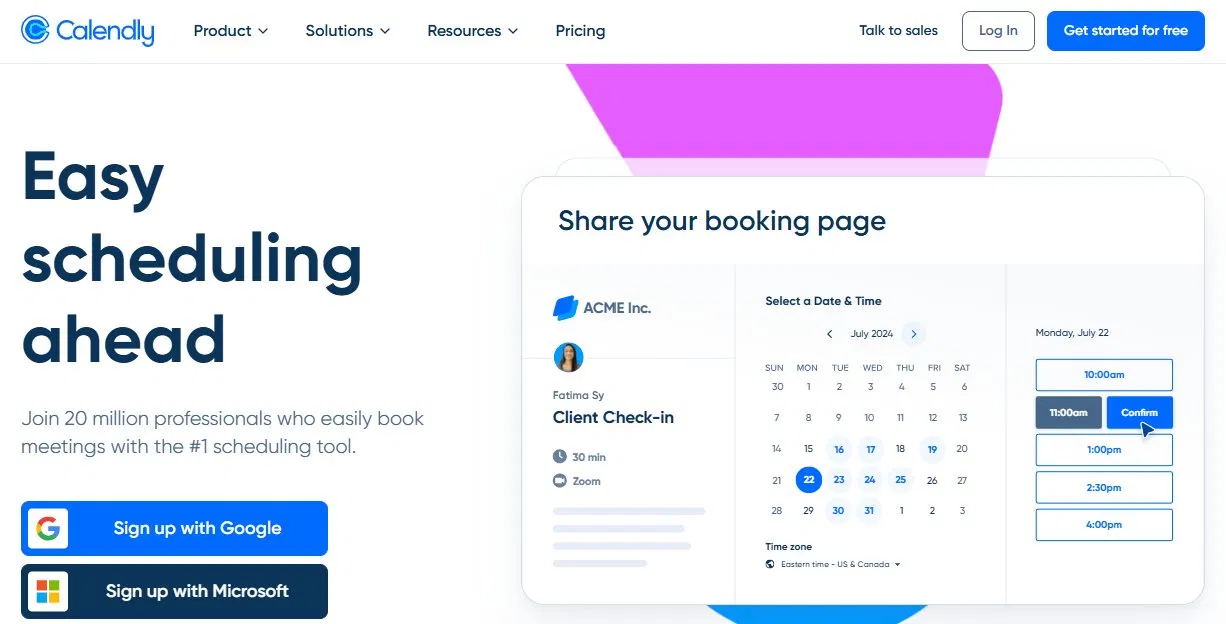
Calendly integrates with several ATS platforms through Zapier and direct connections, but the integration is primarily one-directional - it can log a booking confirmation back to the ATS when someone books time on your calendar.
For agency recruiters, Calendly's fundamental limitation isn't the ATS integration - it's the scheduling model itself. Can Calendly work for recruiting agencies? Calendly is built for sharing your own availability with one other person. It doesn't handle the case where you need to collect availability from two external parties independently and find the overlap without being one of the attendees yourself.
What to ask when evaluating ATS integration
Before choosing a scheduling platform based on its claimed ATS integration, ask these specific questions:
Does it automatically advance the candidate's stage when an interview is confirmed, or does that still require manual action?
Does it log interview details - not just a note that something happened, but the actual date, time, and participants?
Is the integration bidirectional - can it both pull candidate data from the ATS and push interview outcomes back?
Does it work for external parties - candidates and clients who aren't in your ATS and don't have accounts in either system?
Is it tagged to a specific job - so the ATS update goes to the right candidate record on the right role? See the best ATS platforms for interview scheduling.
The bottom line
Most interview scheduling platforms have some level of ATS integration. Very few have the kind of closed-loop integration that actually eliminates manual work for recruiters.
For agency recruiters specifically - where the scheduling problem involves two external parties and a three-party coordination challenge - the platform that integrates most completely is one built for that workflow from the ground up rather than adapted from a general-purpose tool.
Arrange integrates natively with Loxo, Crelate, RecruitCRM, and Recruiterflow. See the best interview scheduling software for recruiting agencies. When an interview confirms, the candidate's stage updates automatically and the interview details are logged without manual input. There's a 14-day free trial at letsarrange.io if you want to see how the integration works in your own ATS environment.
FAQ
What does ATS integration mean for interview scheduling software?
ATS integration for scheduling software means the scheduling platform can exchange data with your applicant tracking system. At minimum this means logging a confirmation when an interview is booked. At its most complete it means automatically advancing the candidate's stage, logging interview details, and syncing calendar data - all without manual input from the recruiter.
Which interview scheduling platforms integrate with Loxo?
Arrange integrates natively with Loxo. When an interview is confirmed through Arrange, the candidate's stage in Loxo advances automatically and the interview details are logged without manual input. GoodTime and some enterprise platforms also list Loxo integrations but are built primarily for in-house teams rather than agency recruiters.
Do I need a separate scheduling tool if my ATS has scheduling built in?
It depends on your use case. If you're an in-house recruiter with access to hiring manager calendars and candidates are your only external party, your ATS scheduling may be sufficient. If you're an agency recruiter coordinating between external candidates and external clients who have no shared calendar system, most ATS scheduling features don't address the three-party coordination problem and a purpose-built tool will save significant time.


.jpg)

.jpg)
.jpg)