


A lot of interview scheduling software was designed around the person doing the coordinating: a recruiter or coordinator sitting at a desk, working through a dashboard. That's a reasonable assumption for the internal user. It's a bad assumption for everyone else involved in the interview.
Candidates check a scheduling link from their phone between other things. Client hiring managers do the same. If the tool only really works on desktop, that's friction at exactly the point where friction costs you the most, the moment someone's deciding whether to actually book the interview.
Where desktop-only scheduling actually breaks down
Candidates lose momentum. A candidate who gets a scheduling link by email or text is often looking at it on their phone. If the page doesn't render cleanly, or the interaction assumes a mouse and a wide screen, some percentage of candidates just won't complete the booking in that moment, and some of them won't come back to finish it later either.
Client hiring managers are busy, not at a desk. The person you're coordinating with on the client side is frequently checking email between meetings, not sitting down to review a scheduling dashboard. If sharing availability or confirming a time requires a full desktop session, you've added a delay that has nothing to do with whether they actually want to move forward.
Recruiters need to manage things on the go too. Coordinators aren't always at their desk either. Checking whether a candidate responded, confirming a time, or nudging someone who's gone quiet often happens between other tasks, not during dedicated desk time.
What mobile access actually needs to mean
Not every tool that claims mobile support means the same thing by it. A few things worth checking specifically:
Does the candidate or client-facing link actually work on a phone browser, or does it require an app? Requiring an app download for a one-time interview scheduling action is a significant amount of friction to ask of someone who isn't your employee and has no reason to install something just to pick a time.
Is the booking flow actually usable on a small screen, or just technically rendered? A page that loads on mobile but requires pinching and zooming to read a calendar grid isn't meaningfully mobile-friendly, even if it doesn't break.
Can the recruiter or coordinator actually take action from their phone? Checking status is one thing. Actually confirming a time, resending a link, or making a change while away from a desk is a different bar, and it's the one that matters if you're managing multiple active searches at once.
Why this matters more for agency recruiters
Internal talent acquisition teams have more control over their own hiring managers, who are, at minimum, using company equipment and expected to engage with internal tools during work hours. Agency recruiters don't have that leverage over a client's hiring manager, or over a candidate who has no obligation to engage with your process at all. When neither party is a captive audience, removing friction, including the friction of a bad mobile experience, has a much more direct impact on whether the interview actually gets scheduled.
Where Arrange fits
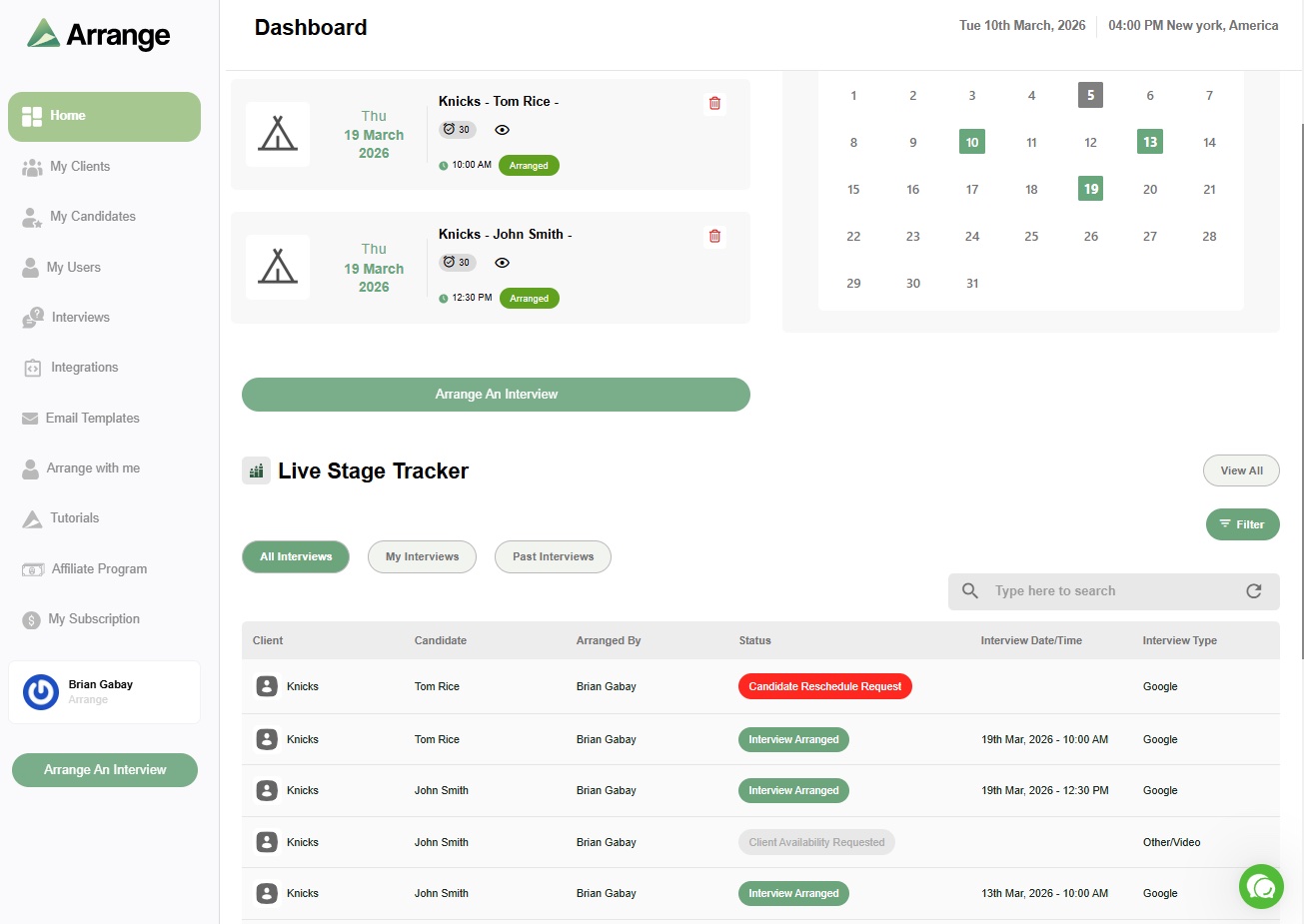
Arrange's candidate and client-facing scheduling links are built to work cleanly on mobile without requiring an app or account creation on either side. Someone can open a link on their phone, view real availability, and confirm a time in the same interaction, whether they're on a laptop or checking it between meetings on their phone. Recruiters get the same flexibility on their end, with the live stage tracker and scheduling actions usable from a phone, not just a desktop dashboard.
FAQ
Do candidates need to download an app to use interview scheduling software?
They shouldn't. The best implementations work through a link that opens directly in a mobile browser, no app or account required. If a tool requires an app download for a one-time scheduling action, that's worth factoring into your evaluation.
Why does mobile access matter more for agency recruiters than internal teams?
Agency recruiters are coordinating with candidates and client hiring managers who have no obligation to engage with a specific tool. Internal teams have more leverage over their own hiring managers. Removing friction, including a poor mobile experience, matters more when neither party is a captive audience.
Can recruiters manage scheduling from their phone, not just candidates?
It depends on the tool. Some platforms only optimize the candidate-facing side for mobile and leave the recruiter dashboard desktop-only. Worth checking both sides specifically if you're frequently managing scheduling away from a desk.


.jpg)

.jpg)
.jpg)