


.jpeg)
Jobvite has a few different ways to schedule interviews depending on how much control you want to hand to the candidate. Here's how each one actually works.
Method 1: Request Candidate Availability
This method collects the candidate's availability first, then lets you schedule around it alongside interviewer availability.
1. Open the candidate's Workflow tab on their profile page.
2. Expand the interview workflow step you want to schedule, then click Request Candidate Availability.
3. Select time blocks across different dates for the candidate to choose from, and specify the interview duration and the minimum number of slots the candidate needs to select.
4. Add interviewers with + Add Interviewer to view their availability while you're selecting time blocks, and check the Conference Link box if the interview is virtual.
5. Set your time zone for accurate calendar visualization.
Once the candidate responds, their selected availability shows on the left panel and is highlighted in green on the calendar, making it easy to see where it overlaps with interviewer availability.
Method 2: Manual Scheduler
Use this when you already know the time and just need to lock it in.
1. Add interviewers and the interview location directly in the Manual Scheduler.
2. Send the interview invitations. This completes the process without collecting candidate availability first.
Method 3: Smart Self-Scheduling
This is Jobvite's most hands-off option: the candidate picks their own time from a set of proposed slots.
1. Jobvite sends the candidate a set of proposed times based on interviewer availability.
2. The candidate selects a time that works for them.
3. The interview is scheduled automatically once the candidate's selection matches the interview team's availability, no manual confirmation step required. Note: there's no admin toggle to turn Smart Self-Scheduling on or off, it's available by default across interview types set to schedule.
Where this works well, and where it doesn't
For an internal recruiter or hiring manager working with employees already in the system, all three methods work as designed, and tools like the Mobile Hiring Team App let hiring teams manage tasks and feedback on the go. The common thread across all three methods is that they depend on interviewer availability being visible inside Jobvite, which only works for people who are actually inside the client's organization.
What changes for external recruiting agencies
If you're an external agency recruiter coordinating with a client that runs Jobvite, none of the three methods above are available to you. You're not an employee of the company, so you don't have a Jobvite login, and the Hiring Manager App, Request Candidate Availability, and Smart Self-Scheduling are all built around people already inside the platform. None of that is accessible to you as an outside recruiter.
That leaves you coordinating the same way you would with any client ATS you can't access: emailing the hiring manager to check availability, relaying that back to the candidate, and confirming manually, while the client's own team sees live calendar availability you have no visibility into.
What actually works in this situation:
Ask for a booking link or availability window, not system access. Jobvite access isn't something most clients will extend to an outside agency, and even if they did, it's built for internal workflows, not agency coordination.
Use a scheduling layer that works independent of the client's ATS. Since you can't plug into Jobvite from outside, the practical fix is a tool that captures the client's real availability without needing to be inside their system, then lets the candidate book directly against it.
Keep your own system of record. Whatever's logged in the client's Jobvite instance is invisible to you. Track candidate stage and interview status in your own ATS so you have a clear picture regardless of what's happening internally on the client side.
Where Arrange fits
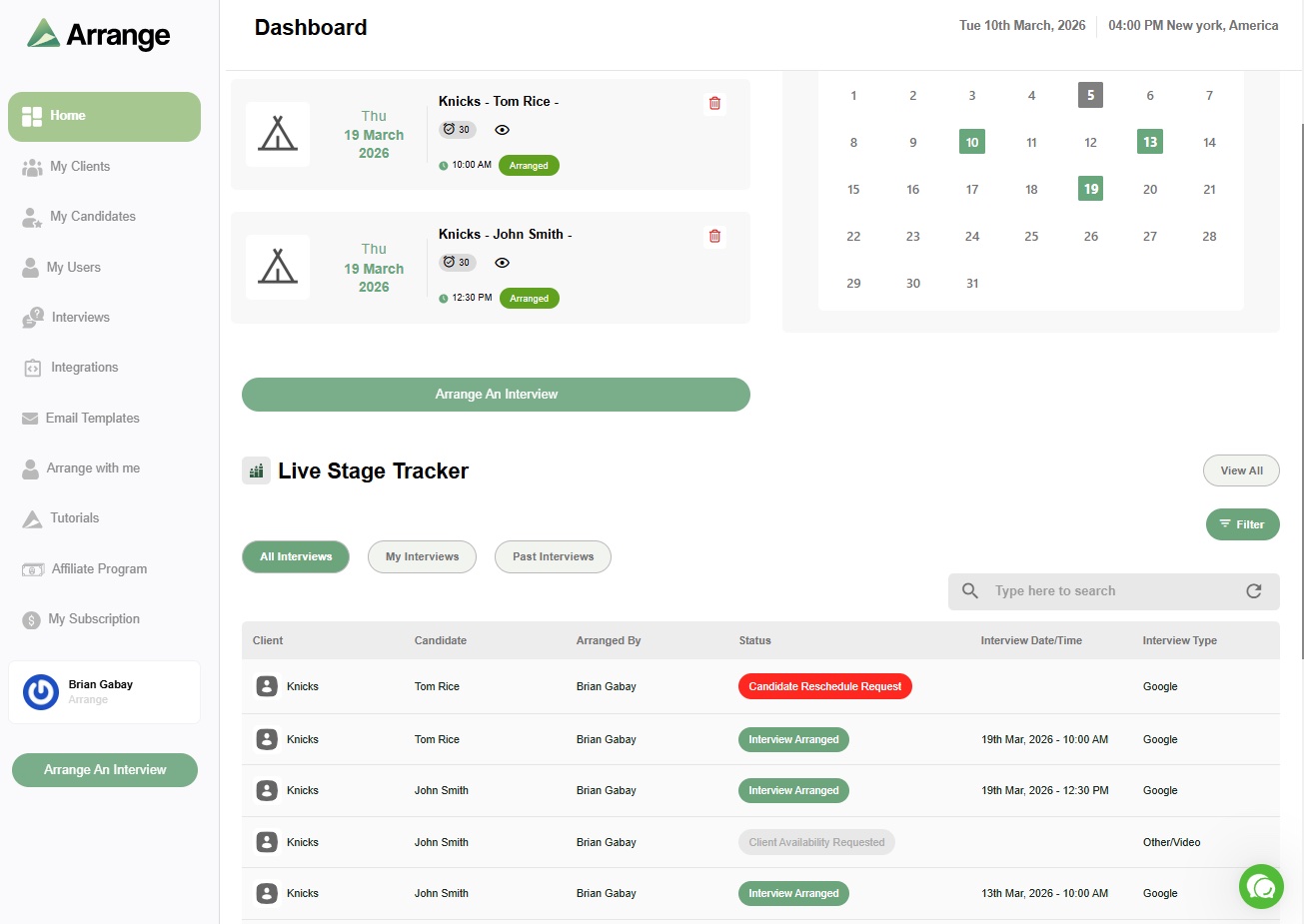
Arrange's Client First scheduling flow is built for exactly this situation: coordinating with a client's hiring manager or interview team without needing any access to their internal systems. It syncs to the client's real calendar through Arrange Connect and lets candidates book directly, all without either party needing a login, which matters most when the client is running an enterprise platform like Jobvite that you'll never get access to as an outside recruiter.
FAQ
How do you schedule an interview in Jobvite?
Three ways: Request Candidate Availability, which collects the candidate's availability first and lets you match it against interviewer availability; Manual Scheduler, where you add interviewers and location and send invites directly; and Smart Self-Scheduling, where the candidate picks a time from proposed slots and the interview confirms automatically.
Does Jobvite have candidate self-scheduling?
Yes, called Smart Self-Scheduling. It's available by default for interview types set to schedule, there's no admin setting to turn it on or off separately.
Can external recruiters get access to a client's Jobvite system to schedule interviews?
It's rare and generally not worth pursuing. Most companies won't extend Jobvite access to an outside agency, and the platform's scheduling tools are built around internal workflows that wouldn't translate well to agency use even with access.
What's the fastest way to schedule interviews with a client using Jobvite?
Ask for a scheduling link or an availability window instead of requesting system access. A tool that captures the client's calendar independent of their ATS gets you real-time booking without needing to be inside Jobvite at all.


.jpg)

.jpg)
.jpg)