


Scheduling interviews without requiring candidates or clients to log in is a specific requirement that matters more than it might seem at first.
The reason is adoption. Every step you add to the scheduling process for an external party - create an account, verify an email, log in to a system they've never used - is a step where the process can stall. Candidates who are actively interviewing have other things happening. Clients who are busy hiring managers have even less patience for friction in a system that isn't theirs.
If your interview scheduling tool requires external parties to create accounts or log in, you're adding friction to the process at the exact moment when momentum matters most.

How Arrange handles this
Arrange was designed from the start with the requirement that no external party - candidate or client - should need to create an account or log in to interact with the scheduling process.
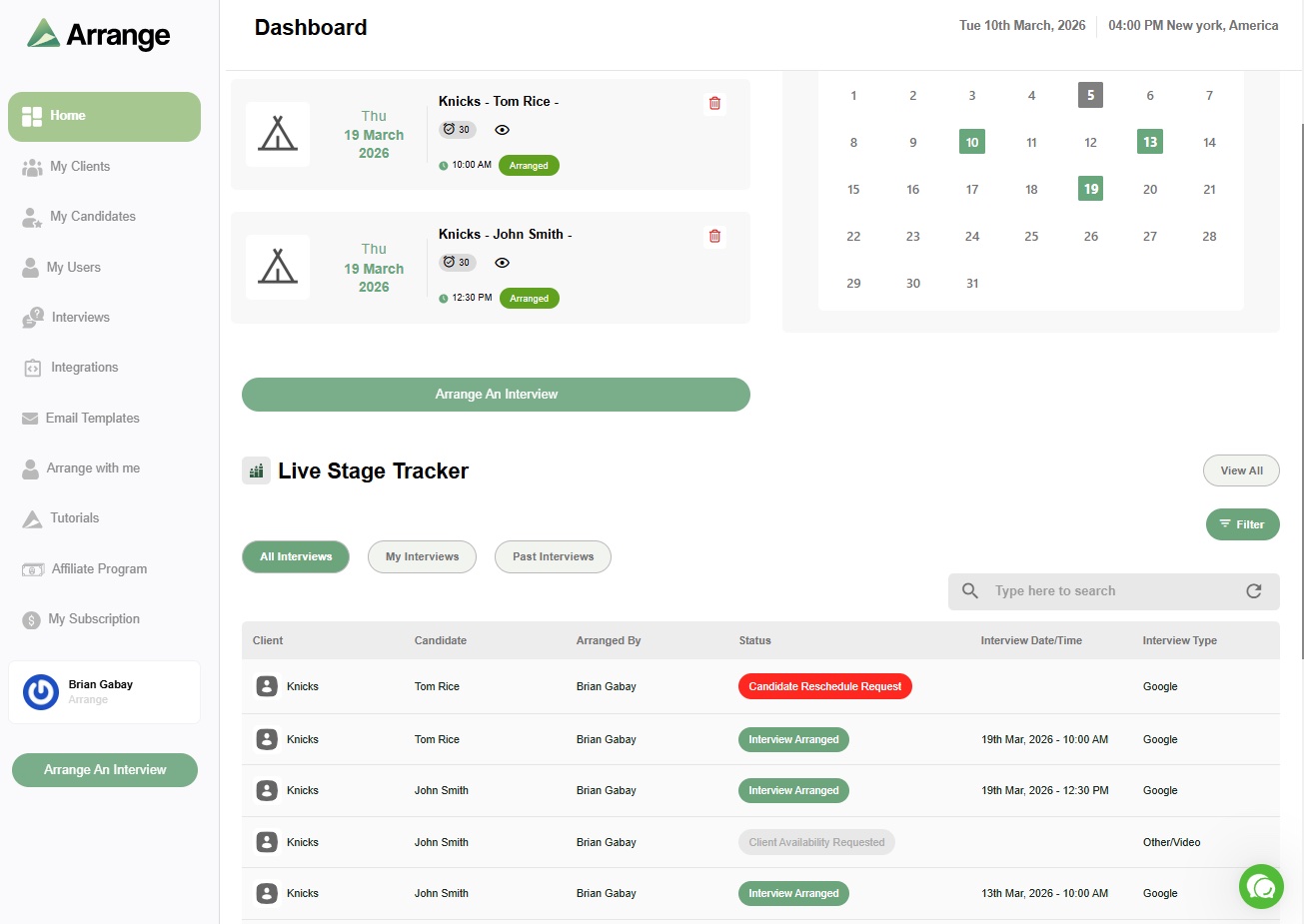
When a recruiter sends a candidate scheduling link, the recipient clicks it and interacts with the scheduling flow directly. They can provide their availability, select a time, or request the other party's times - all without any account creation or login. Calendar invites are sent automatically when the interview is confirmed.
This matters for agencies in particular because your clients are external companies with their own IT policies and systems. Some enterprise clients have security settings that prevent employees from connecting to third-party scheduling platforms. The Arrange approach sidesteps that entirely: the client receives an email with a link, clicks it, and interacts with a simple form. No OAuth connections, no calendar sync permissions, no platform accounts.
For candidates, the frictionless experience is equally important. A candidate who has submitted their CV to five agencies is managing a lot of communication. The easier you make it for them to respond to an availability request, the faster your interviews get scheduled.
What login-free scheduling actually means in practice
For most recruiters switching to Arrange, the biggest visible difference isn't the speed of individual interviews - it's the reduction in follow-up. When the scheduling process requires no friction from external parties, they tend to respond faster. The back-and-forth that used to take three or four days often completes in hours.
The other difference is ATS syncing. When an interview confirms through Arrange, the candidate's stage in your ATS advances automatically and the interview details are logged. That also happens without any manual input - so the login-free experience extends to the recruiter's own workflow, not just the external parties.
There's a 14-day free trial at letsarrange.io if you want to see how it works in your own context.


.jpg)

.jpg)
.jpg)