


.jpeg)
Workday Recruiting has two built-in ways to schedule interviews: a manual scheduling task a recruiter completes, and a self-schedule calendar candidates can book directly from. Here's how each one actually works, step by step.
Method 1: Scheduling an interview manually with the Schedule Interview task
This is the standard path when a recruiter or hiring coordinator is scheduling on the candidate's behalf.
1. Open the candidate's Interview Candidate task. Once a candidate reaches the interview stage in the recruiting process, Workday routes an Interview Candidate task to the assigned recruiter or Recruiting Support Initiator.
2. Go to the Schedule Interview page. From that task, select Schedule Interview. This opens the scheduling screen for that candidate.
3. Select a date and confirm the time zone. Use the calendar picker to choose the interview date. Workday auto-populates the time zone based on the location on file.
4. Add interviewers and interview details. Select Add Row to add each interviewer, this field supports multiple interviewers for panel interviews. For each row, set the interview duration in minutes and select the interview type (phone, in-person, video, etc.) from the prompt.
5. Check interviewer availability, if integrated. If your Workday tenant has Outlook or Google Calendar integration enabled for interviews, Workday can read interviewer availability directly and help avoid double-booking. Without that integration, you're checking availability manually before entering the time.
6. Submit to send invites. Once submitted, Workday sends calendar invites and notifications to the interviewers and updates the candidate's record.
To reschedule: use the Manage Interview Feedback task and select Reschedule Interview. Note that any pending interview feedback typically needs to be processed first before a reschedule goes through.
Method 2: Letting candidates self-schedule with a Recruiting Self-Schedule Calendar
This method flips the process: instead of a recruiter picking a time, the recruiter proposes a set of available slots and the candidate picks one.
1. Create a Recruiting Self-Schedule Calendar. Search "Create Recruiting Self-Schedule Calendar" in the Workday search bar and set it up with your available interview slots.
2. Attach it to the job requisition. Go to the relevant Job Requisition, select the More Actions (...) menu, choose Assign Recruiting Self-Schedule Calendars, and select the calendar you just created.
3. Repeat for additional calendars if needed. A requisition can have more than one self-schedule calendar attached, useful if different interview stages need different available windows.
4. Candidates book their own slot. Once attached, eligible candidates see available times and can select one directly, without a recruiter manually assigning it.
This method works well for high-volume, single-round scheduling where you want to remove the back-and-forth of manually offering times. It's less suited to multi-stage panel loops, which typically go through the manual Schedule Interview task instead.
Where this works well, and where it doesn't
For an internal recruiter scheduling with employees already inside the Workday tenant, both methods work as designed. Interviewer availability is visible (with calendar integration), everyone involved has a Workday account or is on the connected calendar system, and the whole flow stays inside one system of record.
What changes for external recruiting agencies
If you're an external agency recruiter coordinating with a client that runs Workday, neither of the methods above is available to you. You're not an employee of the company, so you don't have a Workday login, and you won't be the one running the Schedule Interview task or creating a Self-Schedule Calendar, that's done entirely on the client's side, by their own recruiting team.
That leaves you coordinating from outside: emailing the hiring manager to check availability, relaying that back to the candidate, and confirming manually, while the client's own team has full visibility into calendars and self-scheduling tools you simply don't have access to.
What actually works in this situation:
Ask for a booking link or availability window, not system access. Workday access isn't something most clients will extend to an outside agency, and even if they did, the tools are built for internal workflows, not agency coordination between two separate companies.
Use a scheduling layer that works independent of the client's ATS. Since you can't plug into Workday from outside, the practical fix is a tool that captures the client's real availability without needing to be inside their system, then lets the candidate book directly against it.
Keep your own system of record. Whatever's logged in the client's Workday instance is invisible to you. Track candidate stage and interview status in your own ATS so you have a clear picture regardless of what's happening internally on the client side.
Where Arrange fits
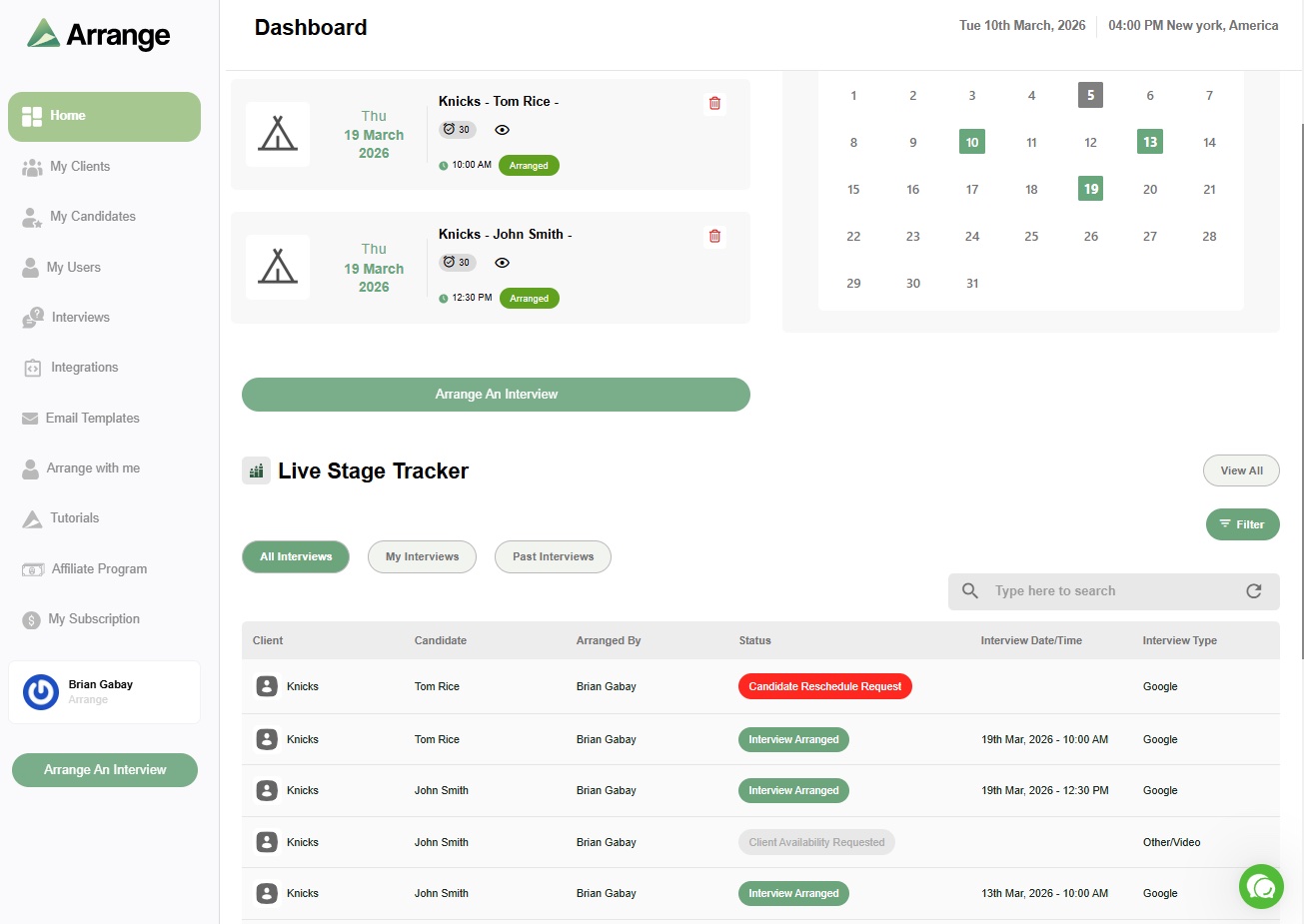
Arrange's Client First scheduling flow was built for exactly this situation: coordinating with a client's hiring manager or interview team without needing access to their internal systems. It syncs to the client's real calendar through Arrange Connect and lets candidates book directly, all without either party needing a login, which matters most when the client is running something like Workday that you'll never get access to as an outside recruiter.
FAQ
How do you schedule an interview in Workday?
Through the Interview Candidate task, which opens the Schedule Interview page. From there you select a date, add interviewers and interview details, and submit to send calendar invites. Alternatively, a recruiter can set up a Recruiting Self-Schedule Calendar attached to the job requisition, letting candidates pick their own time from available slots.
Can candidates schedule their own interview in Workday?
Yes, through a Recruiting Self-Schedule Calendar. A recruiter creates the calendar with available time slots and attaches it to the job requisition, and eligible candidates select a time directly without a recruiter manually assigning one.
How do you reschedule an interview in Workday?
Through the Manage Interview Feedback task, using the Reschedule Interview button. Any pending interview feedback typically needs to be completed first before the system allows a reschedule.
Can external recruiters get access to a client's Workday system to schedule interviews?
It's rare and usually not worth pursuing. Most companies won't grant Workday access to an outside agency, and even if they did, it would require training and account management overhead for something a scheduling link solves more simply.


.jpg)

.jpg)
.jpg)