


.jpeg)
Greenhouse has three built-in ways to schedule interviews: automated scheduling, manual scheduling, and candidate self-scheduling. Here's how each one actually works, and when to use which.
Before you start: connect your calendar
Self-scheduling and automated scheduling both depend on interviewer calendars being connected. Each interviewer needs to go to Integrations in Greenhouse, search for Google Calendar or Office 365, and select Connect. This is a one-time setup per interviewer, done before any self-schedule requests can be sent on their behalf.
Method 1: Automated scheduling
This is the fastest path when you want Greenhouse to find the time for you.
1. Open the candidate's profile and start scheduling. On the candidate's interview stage, select Automated scheduling.
2. Let Greenhouse search for available times. Greenhouse checks candidate availability, interviewer availability, working hours, and interviewer group settings to identify strong time slot options automatically. If default interviewers are assigned in the interview plan, they're included automatically.
3. Review and confirm. Greenhouse surfaces the best matches based on those constraints. Confirm the time to send invitations.
Method 2: Manual scheduling
Use this when interview details are still being finalized or you need full control over timing.
1. Select Schedule manually from the candidate's interview stage instead of automated scheduling.
2. Choose a specific time slot using the traditional calendar view.
3. Send invitations directly to interviewers and the candidate.
Method 3: Candidate self-scheduling
This lets the candidate pick their own time from a set of options tied to interviewer availability. It only works for single-interview stages, stages with multiple interview sessions require manual or automated scheduling instead.
1. Go to the candidate's profile and find the interview stage you want to schedule.
2. Click the ellipses (...) icon and select Send self-schedule request.
3. Fill in the interview details, interviewer(s), interview length, calendar provider, and calendar.
4. Click Check availability to confirm there are open slots on the interviewer's calendar before sending.
5. Send the request. The candidate receives a link and picks a time from the available options. The interview is automatically scheduled and confirmed to both sides once they complete it. Interviews can be scheduled up to 30 days out, and if reschedule permissions are enabled, candidates can rebook directly from their reminder email.
Where this works well, and where it doesn't
For an internal recruiter scheduling with employees who already have connected calendars inside your Greenhouse account, all three methods work as designed. The scheduling stays tied to the candidate record and interview plan, and Greenhouse handles the coordination logic.
What changes for external recruiting agencies
If you're an external agency recruiter coordinating with a client that runs Greenhouse, none of the three methods above are available to you. You're not an employee of the company, so you don't have a Greenhouse login, and you're not the one connecting calendars, sending self-schedule requests, or running automated scheduling, that's entirely on the client's recruiting team.
That leaves you coordinating from outside: emailing the hiring manager to check availability, relaying that back to the candidate, and confirming manually, while the client's own team has real-time visibility into calendars and self-scheduling tools you simply don't have access to.
What actually works in this situation:
Ask for a real-time booking link from the client, not a manual availability list. A list of "I'm free Tuesday and Thursday afternoon" goes stale the moment their calendar changes. A live booking page tied to their actual calendar doesn't.
Don't try to sync directly with Greenhouse. As an outside recruiter, you're not going to get Greenhouse access, and even if you did, it's built for internal recruiting workflows, not agency coordination between two separate companies.
Log everything on your side. Since you can't see what's logged in the client's Greenhouse instance, keep your own record of who was invited, who confirmed, and when.
Where Arrange fits
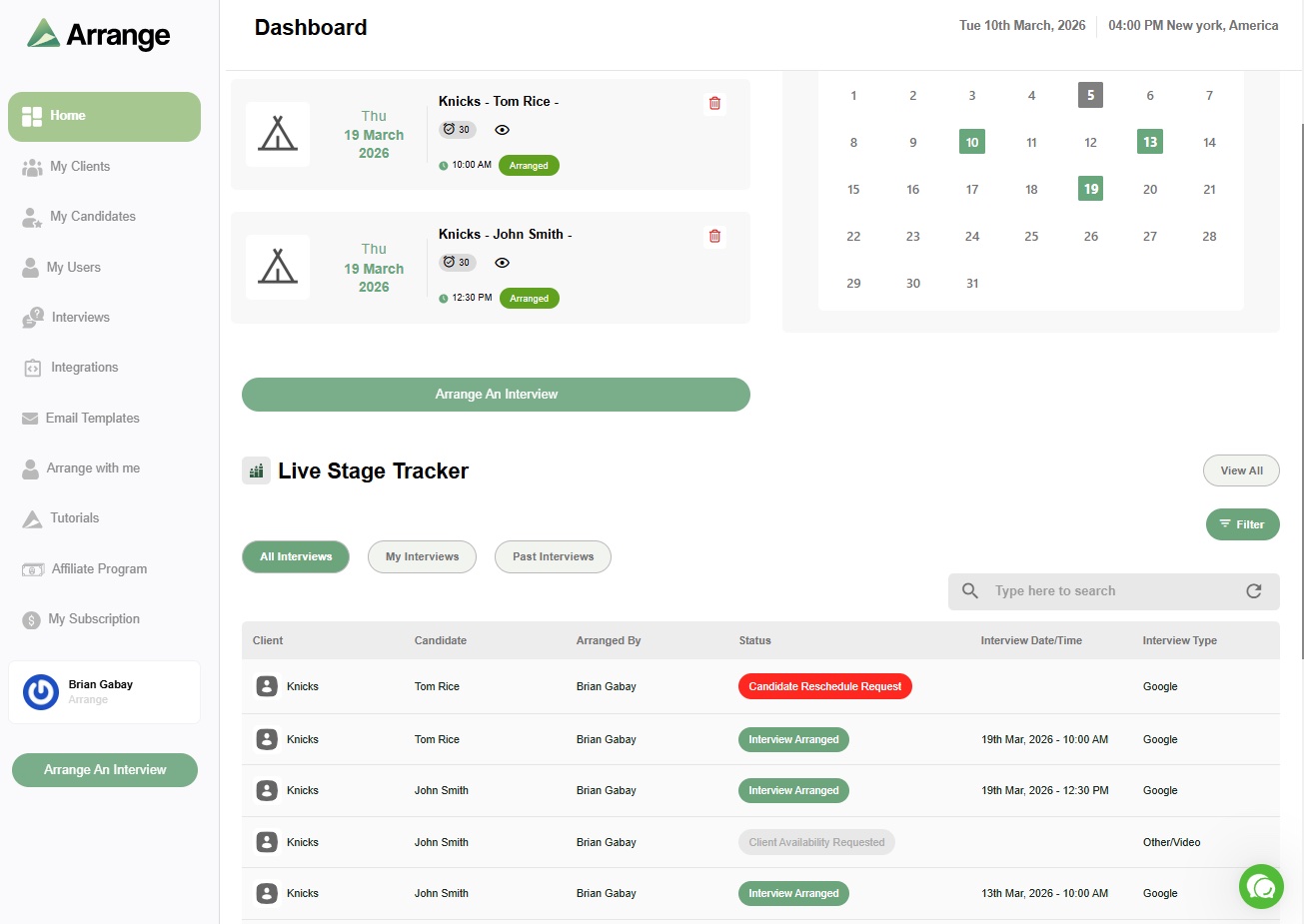
Arrange's Client First flow handles exactly this scenario: real-time calendar syncing with a client's hiring manager through Arrange Connect, without needing any access to their Greenhouse instance. Candidates can book directly against the client's actual availability, and you get a live record of every interview on your side, regardless of what ATS the client happens to run internally.
FAQ
How do you schedule an interview in Greenhouse?
Three ways: automated scheduling, where Greenhouse finds available times based on candidate and interviewer availability; manual scheduling, where you pick a specific time yourself; and candidate self-scheduling, where you send a link and the candidate picks their own time from available options.
Can candidates self-schedule their own interview in Greenhouse?
Yes, but only for stages with a single interview. Multi-session stages require manual or automated scheduling. The interviewer's calendar must be connected to Greenhouse first for self-scheduling to work.
Do agency recruiters need Greenhouse access to schedule interviews with a client who uses it?
No, and it's not something most clients will grant. The practical solution is getting a real-time booking link or calendar sync directly with the hiring manager, independent of their Greenhouse account.
What's the biggest risk when scheduling manually with a Greenhouse client?
Working from a stale availability list rather than a live calendar. If the hiring manager's schedule changes after they've told you their availability, you won't know until someone catches it, often after a candidate has already been given a time that no longer works.


.jpg)

.jpg)
.jpg)