


Bulk scheduling shows up whenever you're moving several candidates into interviews for the same role, or the same candidate through interviews at multiple clients, around the same time. Here's how to keep it from turning into a mess.
1. Separate "sourced" from "owned."
Before you start scheduling anyone, be clear on who you actually have permission to move forward. A batch of candidates who've simply been sourced isn't the same as a batch who've responded and are ready to schedule. Mixing the two is the fastest way to end up chasing people who never agreed to an interview.
2. Send scheduling links, don't manage a spreadsheet manually.
The instinct at volume is to build a tracking spreadsheet and manually coordinate each interview by email. This works until it doesn't, usually around candidate number six or seven. Scheduling links that let each candidate pick their own time from real availability remove the manual back-and-forth entirely, and they scale the same whether you're booking three interviews or thirty.
3. Let the client set their own availability once, not per candidate.
If you're scheduling multiple candidates with the same client or hiring manager, don't renegotiate their availability every time. A booking page tied to that client's real calendar, that any candidate in the batch can use, saves you from repeating the same coordination five times over.
4. Watch for the same-candidate, multiple-client edge case.
If a candidate is interviewing with more than one of your clients in the same window, manual scheduling flows that don't check real-time availability can double-book them without anyone noticing until it's too late. This is one of the more common failure points in bulk scheduling and worth building a specific check for.
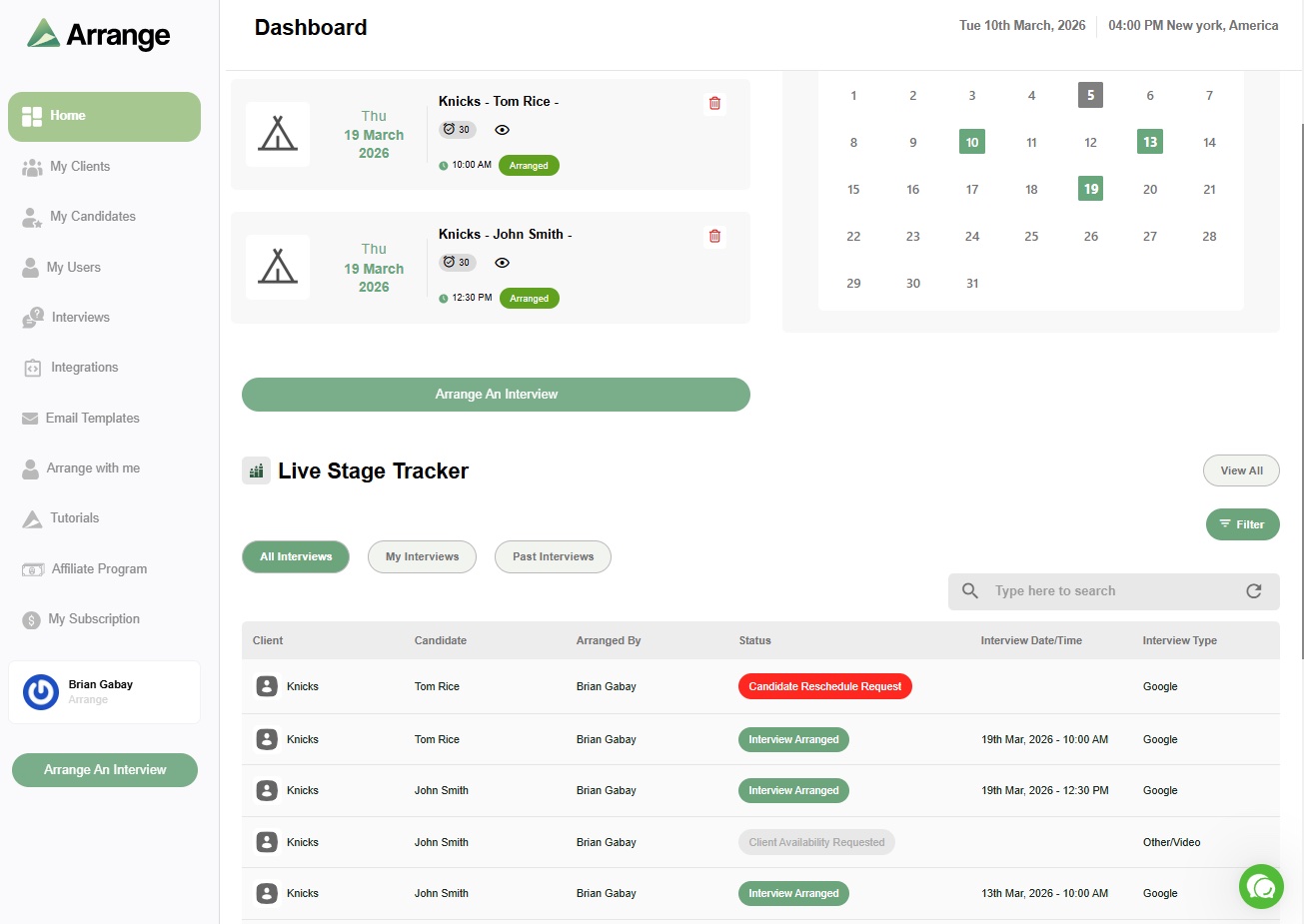
5. Keep one place that shows where every candidate actually stands.
At volume, "I think that one's confirmed" isn't good enough. You need a single view showing who's been invited, who's confirmed, and who hasn't responded, updated automatically rather than manually maintained.
6. Automate the ATS updates, don't do them by hand.
Every confirmed interview should log itself back to your ATS without you copying and pasting notes for each candidate. At bulk volume, manual logging is where hours disappear every week.
Where Arrange fits
Arrange's different scheduling flows were built for exactly this scenario, scheduling across multiple candidates or multiple interviewers without manual coordination for each one, with ATS sync back to Loxo, Crelate, Recruiterflow, or RecruitCRM so nothing needs to be logged twice.
FAQ
What's the biggest risk when scheduling interviews for multiple candidates at once?
Losing track of who's actually confirmed versus who's still pending, especially when candidates are interviewing with more than one client at the same time.
Can a spreadsheet handle bulk interview scheduling for a recruiting agency?
It can track status, but it can't prevent double-booking or handle real-time availability, which becomes the actual bottleneck once you're coordinating more than a handful of interviews at once.
Does bulk scheduling still need to check for double-booking, even with self-service scheduling links?
Yes, especially if the same candidate is being scheduled with multiple clients. Manual flows that don't check calendars in real time are where this breaks down most often.


.jpg)

.jpg)
.jpg)