


You can, and for recruiters already living in Gmail and Google Calendar, it feels like a natural fit. You know the interface. Your clients probably use it too. It's free. Why wouldn't you manage interview scheduling there?
The honest answer: it works, up to a point. Here's where that point is, and what happens when you cross it.

Where it breaks down for recruiting agencies
Google Sheets gives you a place to record what happened. It doesn't help you make things happen.
Your clients and candidates aren't in your Google ecosystem
The scheduling coordination problem isn't about storing information - it's about collecting it from external parties and acting on it. Your client needs to share their availability. Your candidate needs to confirm a time. Neither of them is in your Google workspace, and Google Sheets gives you no way to reach them or collect from them through the tool itself. You're still doing all of that over email, manually, and then recording the outcome in the sheet.
Real-time collaboration doesn't solve the coordination problem
Multiple people can edit a Google Sheet simultaneously, which is useful for internal team visibility. But your clients and candidates aren't editing your sheet - they're responding to emails you've sent. The sheet captures the outcome; it doesn't participate in the process.
You're still the one doing everything
Every update to the sheet is a manual step you're taking. When a candidate shares availability, you log it. When a client confirms, you log it. When an interview is set, you log it and then send the calendar invites and then update your ATS. The sheet doesn't reduce any of the coordination work - it just gives you a place to record that you did it.
When it makes sense to keep using Google Sheets
If you're a solo recruiter running fewer than 5-10 active searches at any given time, and you have reliable clients who respond quickly, Google Sheets is a reasonable way to maintain visibility across your interviews. The friction is manageable at low volume.
When it stops making sense
When you're managing more than a handful of active interviews simultaneously, the manual coordination overhead starts to compound. Each email back-and-forth, each manual update, each forgotten follow-up adds up. The sheet becomes harder to trust as a source of truth because it only reflects what's been manually entered, not what's actually in motion.
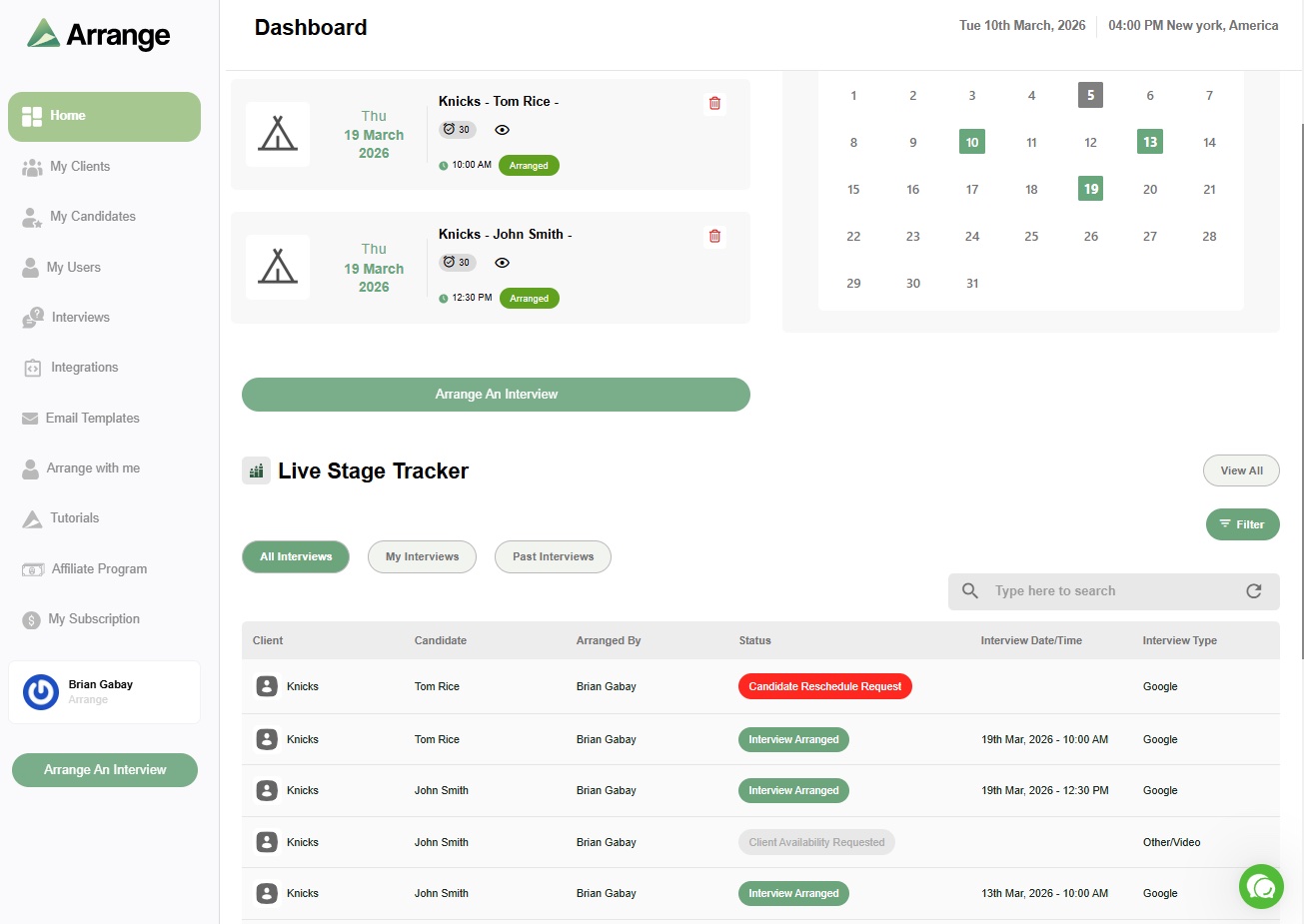
At that point, the question is whether your scheduling tool can handle the coordination itself - not just record it. Arrange was built for that problem. Candidates and clients interact with the scheduling process through links that don't require login, the interview confirms automatically, and your ATS updates without manual input. The sheet becomes optional.
There's a 14-day free trial at letsarrange.io.


.jpg)

.jpg)
.jpg)