

.jpeg)
Scheduling is one of the most time-consuming parts of the hiring process. Coordinating availability between candidates, hiring managers, and interviewers - across time zones, calendars, and communication threads - adds up fast. The right scheduling tool cuts that friction significantly. The wrong one just adds another step to your workflow.
The challenge is that most scheduling software wasn't built with recruiters in mind. It was built for sales teams booking demos, or customer success teams scheduling check-ins. When recruiters try to use general-purpose tools for interview coordination, they usually end up filling in the gaps manually anyway.
This article covers the scheduling tools that actually make sense for talent acquisition teams in 2026 - what each one does well, where it falls short, and who it's best suited for.
What makes a scheduling tool right for recruiting?
Recruiting has some specific requirements that general scheduling tools don't account for. Before looking at individual tools, it's worth being clear about what you actually need.
For internal TA teams, the main challenges are usually volume and coordination - scheduling panels, managing interviewer availability, reducing no-shows, and keeping candidates moving through the pipeline quickly. For external recruiting agencies, the challenge is different: you're coordinating between parties who aren't in your organization, don't have access to your systems, and shouldn't need to create accounts just to book an interview time.
The tools that work best for each use case are often different. Here's where the main options land.
The best scheduling tools for talent acquisition teams
1. Arrange

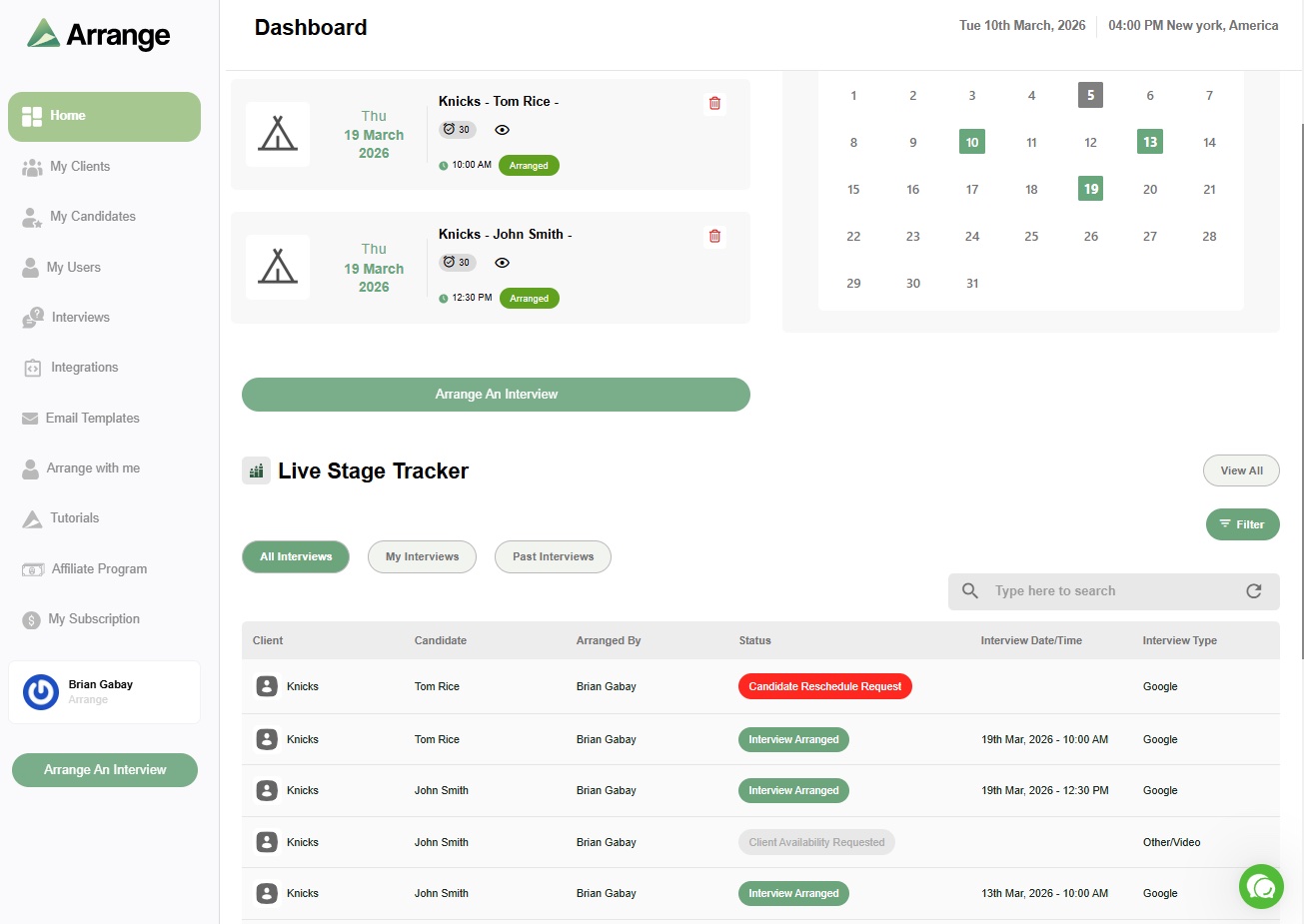
Arrange is purpose-built for external recruiting agencies - the teams that sit in the middle between candidates and clients and need to coordinate without requiring either party to log into anything.
Most scheduling tools are built on a two-party model: one person sends a link, another books a time. That works for screening calls but breaks down when you're coordinating an actual interview between a candidate and a hiring manager at a client company. Arrange is built around that three-party problem specifically.
The core scheduling flows are Candidate First (collect candidate availability, share a filtered set with your client to confirm), Client First (pull client availability, give the candidate a booking link), and Matchmaker (auto-match overlapping availability between both parties). All of it is white-labeled - candidates and clients see your branding, not Arrange's. There's also Arrange Connect, which lets you build booking pages on behalf of hiring managers using read-only calendar access when you have that level of client relationship.
For ATS users, Arrange integrates with Loxo, Crelate, Recruiterflow, and RecruitCRM so scheduling activity is logged automatically without manual note-taking.
It's not the right fit for internal TA teams running high-volume hiring inside a single organization - the tool is designed for the agency middleperson model. But for external recruiting agencies, it's the only scheduling tool built specifically for the way they work.
Best for: External recruiting agencies coordinating interviews between candidates and clients.
Pricing: ~$35/user/month. 14-day free trial at letsarrange.io.
2. Calendly
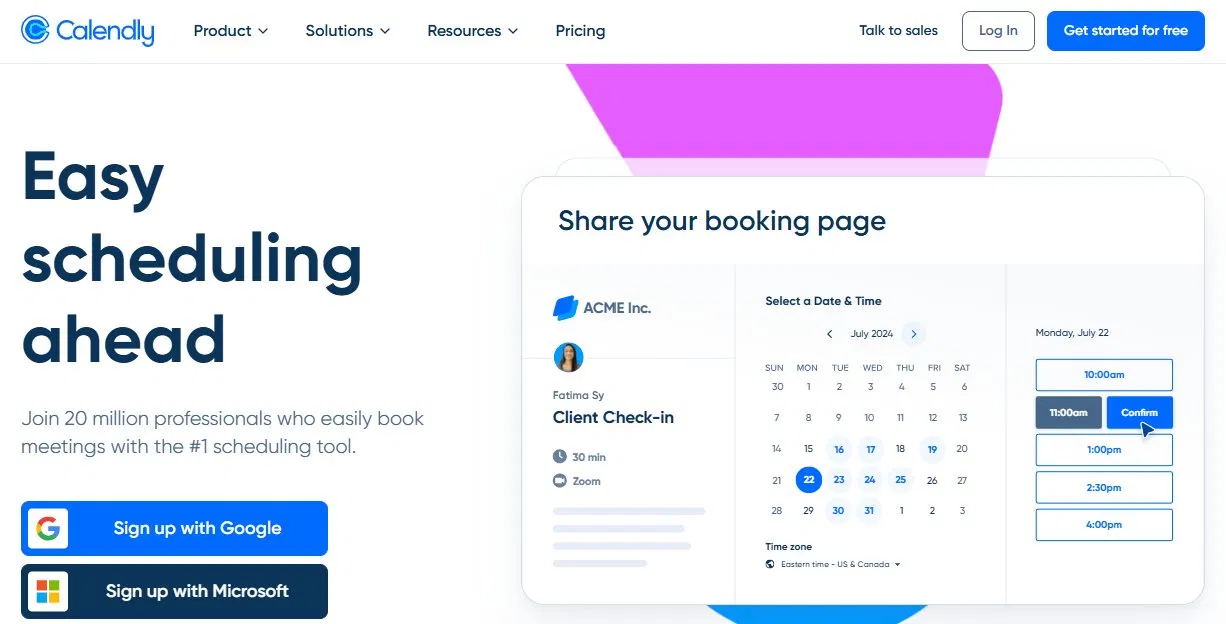
Calendly is the most widely used scheduling tool in recruiting and the default starting point for most teams. It's easy to set up, broadly recognized by candidates, and has a solid free tier. For individual recruiters or small teams booking screening calls, it gets the job done with minimal overhead.
Where Calendly shines for recruiting is its integration depth. It connects with most major ATS platforms, HubSpot, Salesforce, Zoom, and a wide range of other tools - so it fits neatly into most existing stacks. Routing Forms add some logic to the booking flow, which is useful for directing inbound candidates to the right team member.
The ceiling shows up in interview coordination. Calendly is a two-party tool. There's no native workflow for collecting candidate availability and sharing a filtered set with a hiring manager for confirmation. Internal TA teams often get around this with workarounds, but it remains a manual step. For external agencies coordinating between candidates and clients, the gap is more significant.
Best for: Individual recruiters and TA teams who need a simple, widely recognized booking tool for screening calls with strong ATS integrations.
Pricing: Free plan available. Standard at $10/user/month, Teams at $16/user/month.
3. GoodTime

GoodTime is built for internal TA teams running high-volume hiring at mid-to-large companies. The platform automates a lot of the coordination work that takes up recruiting coordinator time - interviewer selection based on availability and load balancing, panel scheduling, automated reminders, and deep calendar integration across the hiring team.
If you're a recruiting coordinator at a company with dozens of open roles and multiple interviewers per role, GoodTime reduces the manual scheduling burden significantly. The automation works because GoodTime has direct access to the calendar systems it's scheduling around - that's a core assumption of the product.
For external agencies, that assumption breaks down. You don't have access to your clients' calendar systems, so much of GoodTime's automation doesn't apply. The pricing also reflects an enterprise buyer, not an agency team.
Best for: Internal TA teams and recruiting coordinators at mid-to-large companies running high-volume hiring with full access to hiring manager calendars.
4. ModernLoop
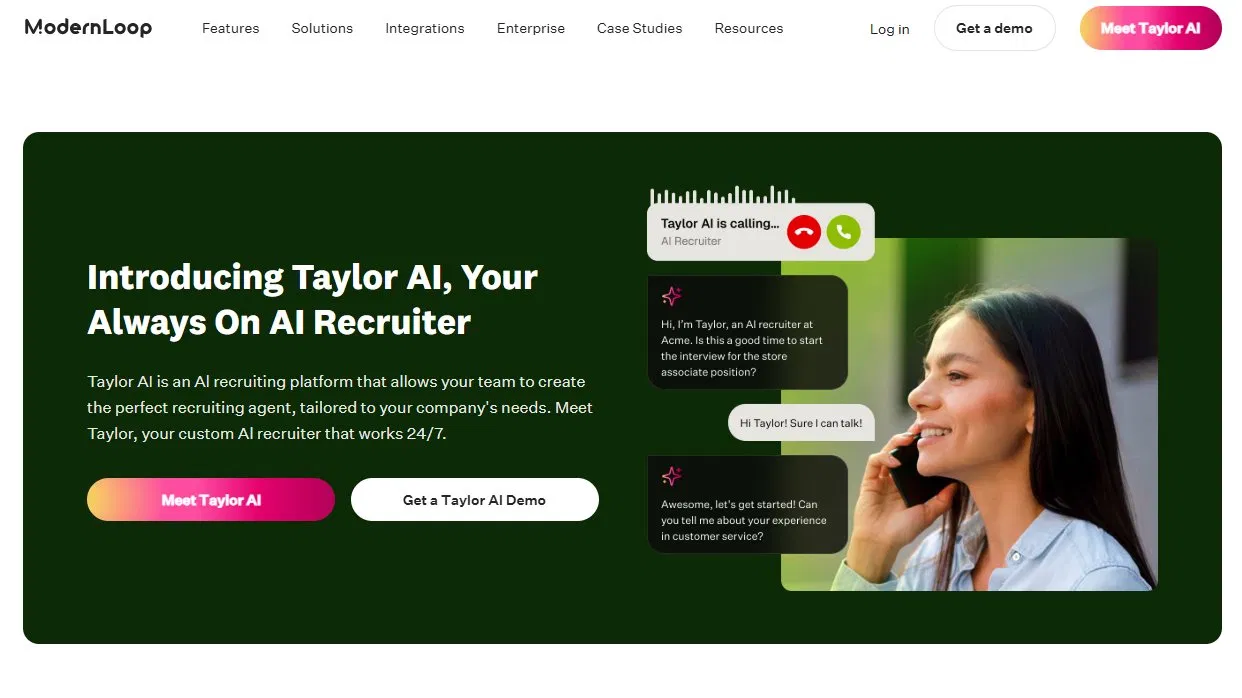
ModernLoop targets recruiting operations teams at companies scaling their hiring. The focus is on reducing coordinator workload through automation - scheduling complex interview panels, managing interviewer load, handling reschedules, and keeping candidates informed throughout the process. It's well-designed for that problem.
Like GoodTime, it assumes calendar visibility that external recruiters don't have. And like GoodTime, the pricing is geared toward internal enterprise buyers. For TA teams inside growing companies that are struggling with scheduling volume and coordinator bandwidth, ModernLoop is worth evaluating. For agencies, it's not the right fit.
Best for: Internal recruiting operations teams at scaling companies who need to reduce coordinator workload on panel scheduling and interview coordination.
5. Paradox
Paradox takes a conversational AI approach to recruiting automation. Its assistant, Olivia, handles candidate communication and scheduling through chat - candidates interact via text or a web interface, Olivia collects information, screens based on criteria, and books interviews automatically. For high-volume, high-frequency hiring (retail, logistics, hourly roles), it can dramatically compress the time between application and scheduled interview.
Paradox is built for speed at scale inside large organizations. It requires significant setup and is priced accordingly. For most recruiting agencies or smaller TA teams, it's more infrastructure than the problem requires. But for enterprise internal TA teams with very high application volume, the conversational scheduling approach is genuinely differentiated.
Best for: Enterprise companies running high-volume hourly or frontline hiring who want to automate candidate communication and scheduling end to end.
6. Zcal
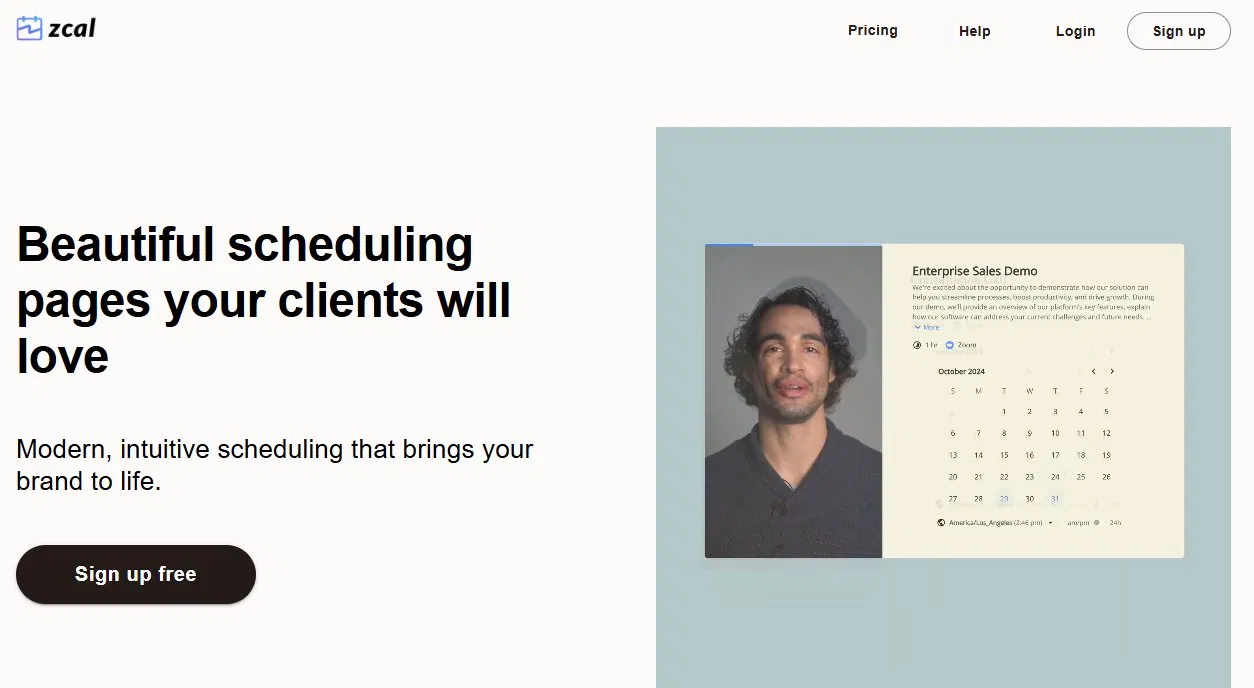
Zcal is a design-forward scheduling tool with a strong free plan. The booking pages are more polished than Calendly's or Cal.com's defaults, and setup is simple. For individual recruiters who want a clean candidate-facing booking experience without paying for Calendly, Zcal is a solid option.
It's a two-party tool, so the same coordination limitations apply. Best used for screening calls and direct candidate booking rather than interview coordination.
Best for: Individual recruiters or small teams who want polished booking pages for screening calls without a high price tag.
Pricing: Free plan available. Pro at $7/user/month, Business at $12/user/month.
How to choose the right scheduling tool for your team
The right tool depends on where your scheduling friction actually lives.
If you're an internal TA team dealing with high interviewer volume, complex panels, and calendar coordination across a large hiring team - GoodTime or ModernLoop are built for that. If you need conversational AI for high-volume hourly hiring - Paradox is the strongest option. If you're an individual recruiter or small team and just need clean booking links for screening calls - Calendly or Zcal cover that well.
If you're an external recruiting agency coordinating interviews between candidates and clients - none of the above was built for you. That's the gap Arrange fills. It's the only scheduling tool on this list designed specifically for the three-party coordination problem that agency recruiters deal with every day.
There's a 14-day free trial at letsarrange.io.
Frequently asked questions
What is recruiter scheduling software?
Recruiter scheduling software automates the process of booking interviews between candidates and interviewers. It eliminates manual back-and-forth by letting candidates or clients self-select from available times, sending confirmation and reminder messages automatically, and syncing with calendars to prevent conflicts. The best tools for recruiting go beyond basic booking links to handle multi-party coordination, ATS integration, and white-labeled candidate experiences.
What's the difference between scheduling software for internal TA teams vs. external recruiting agencies?
Internal TA teams typically have direct access to hiring managers' calendars and are coordinating within a single organization. Tools like GoodTime and ModernLoop are built for that model. External recruiting agencies are coordinating between parties in different organizations - the candidate, the client, and themselves - without calendar access on either side. Arrange is built specifically for that model. Most scheduling tools assume the internal TA use case, which is why external agencies often end up with workarounds.
Can Calendly be used for interview scheduling?
Yes, Calendly works well for screening calls where you're booking one-on-one with a candidate. For coordinating actual interviews between a candidate and a hiring manager - where you need to collect availability from one party and confirm with another - Calendly doesn't have a native workflow for that. Recruiters typically handle that coordination manually or use a purpose-built tool like Arrange alongside Calendly.


.jpg)

.jpg)
.jpg)