


GoodTime is a well-regarded platform - enterprise hiring teams at companies like Spotify, HubSpot, and Lyft use it because it handles complex scheduling at scale. Panel coordination, interviewer load balancing, automated reminders, deep ATS integrations. For large in-house talent acquisition teams, it does the job.
But GoodTime is built for a specific kind of team: internal recruiters working inside their own organization, coordinating interviewers who are all on the same calendar infrastructure. It starts at around $25,000 per year and typically requires a sales process to get pricing.
If that doesn't match your situation - whether it's the cost, the workflow assumptions, or both - here are the alternatives worth considering.
What to look for in a GoodTime alternative
Before comparing tools, it helps to be honest about why GoodTime isn't the right fit. The answer usually falls into one of a few categories:
- Cost - Enterprise pricing is hard to justify for smaller teams or agencies without high-volume hiring
- Workflow mismatch - GoodTime assumes you're coordinating internal interviewers. If you're an external recruiter managing clients who aren't in your system, that's a different problem
- Complexity - The platform is powerful but not lightweight. Teams without a dedicated recruiting coordinator may find it more than they need
The right alternative depends on which of those is driving the switch.
The best GoodTime alternatives for recruiters
Arrange

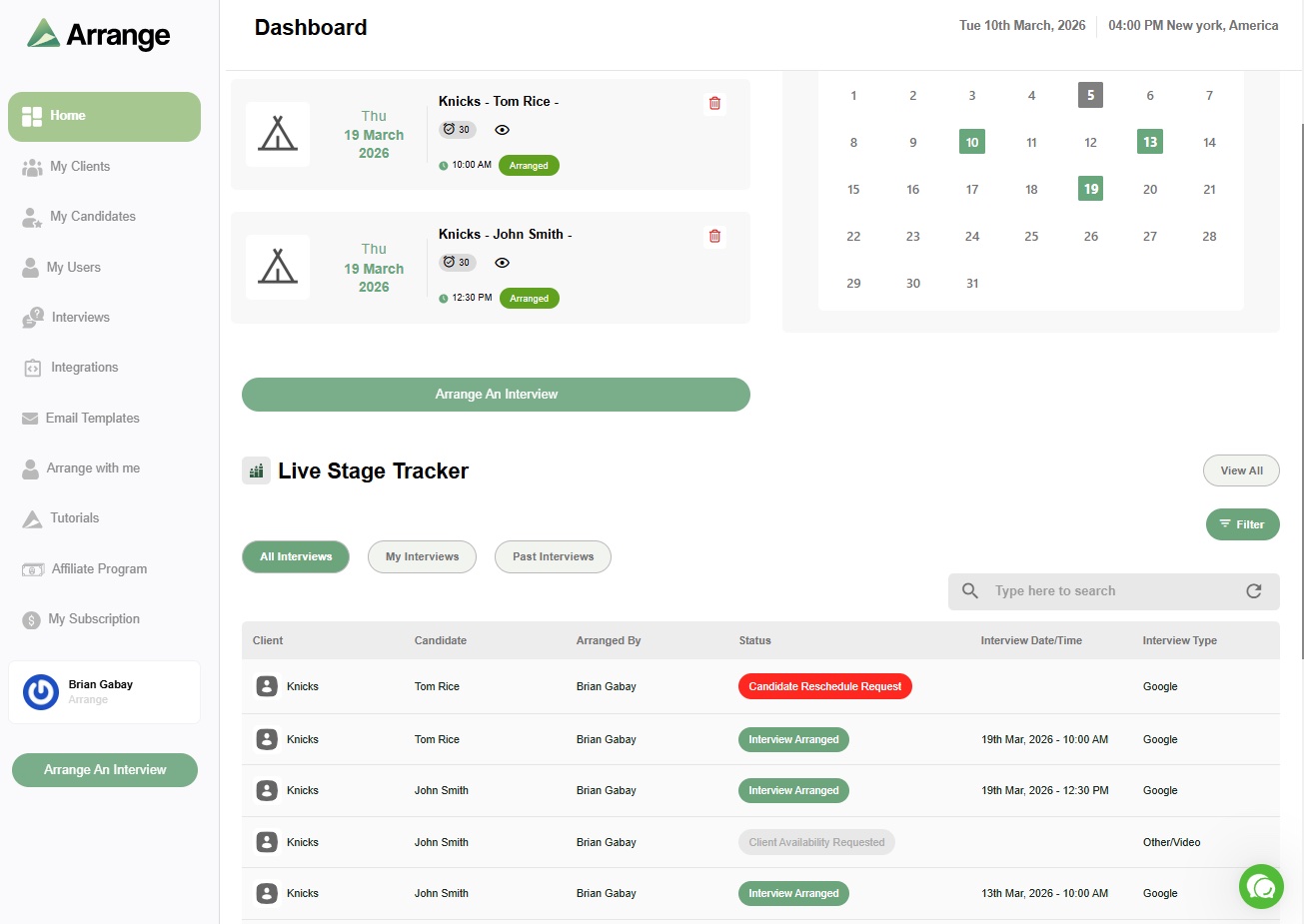
Arrange is built specifically for external recruiting agencies and the three-party coordination problem that comes with the role - connecting a candidate you sourced with a client who isn't in your system, without requiring either of them to log in anywhere.
Where GoodTime assumes your interviewers are inside your organization, Arrange is built for the opposite situation: you're the middleman between two external parties who don't share a calendar, a system, or an account. The workflows reflect that. You can go candidate-first (collect availability from the candidate, present it to the client), client-first (client shares their availability, candidate books from those slots), or use Matchmaker mode, which collects availability from both sides simultaneously and auto-confirms the first match.
Arrange Connect takes it further - hiring managers can connect their calendar via a permission link so candidates are booking against live availability, with no login required.
ATS integrations include Loxo, Crelate, Recruiterflow, and RecruitCRM, with more in progress. Confirmed interviews sync back automatically.
Pricing starts at around $35 per user per month, with a 14-day free trial - no sales call required to get started.
Best for: external recruiting agencies coordinating interviews between candidates and clients across multiple open roles.
ModernLoop
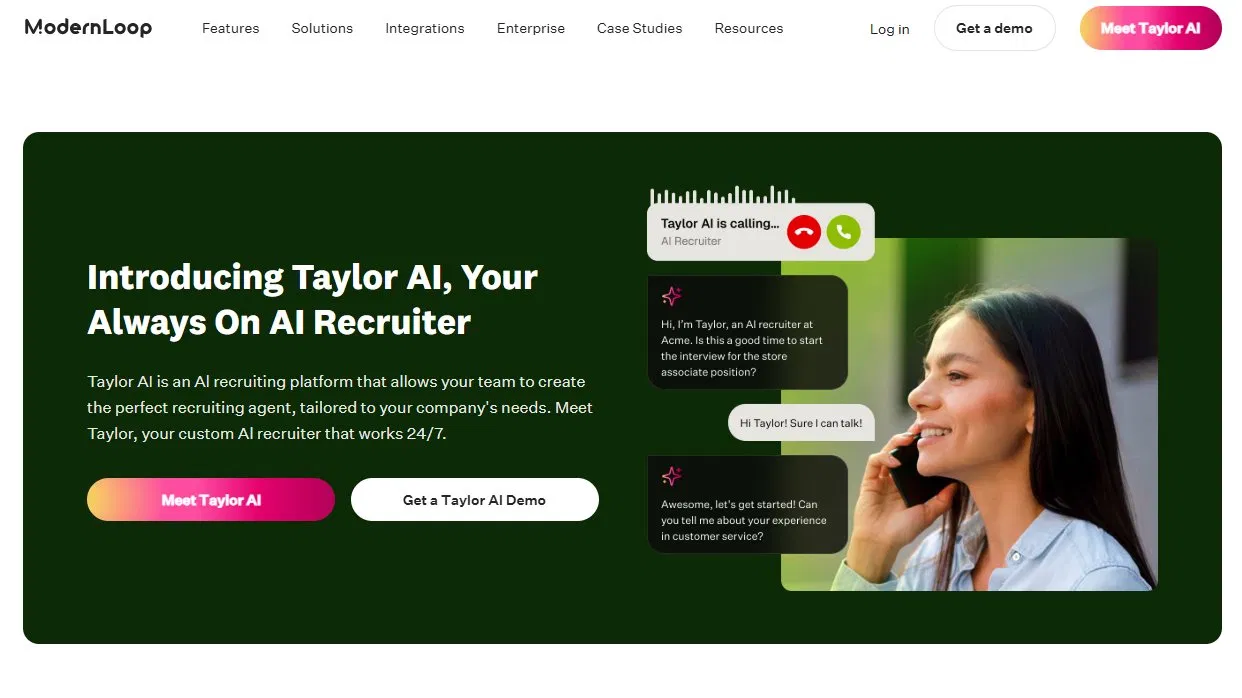
ModernLoop is the closest direct competitor to GoodTime in terms of positioning. It's built for in-house talent acquisition teams that need to automate scheduling at scale, with features like Zero Click Scheduling and a candidate portal for keeping applicants informed throughout the process.
It integrates with Greenhouse, Lever, Workday, Ashby, and SmartRecruiters. Pricing is not publicly listed - available on request, and generally positioned at enterprise teams.
Best for: mid-to-large in-house recruiting teams with dedicated recruiting coordinators who want a GoodTime-level product at potentially more flexible pricing.
Calendly
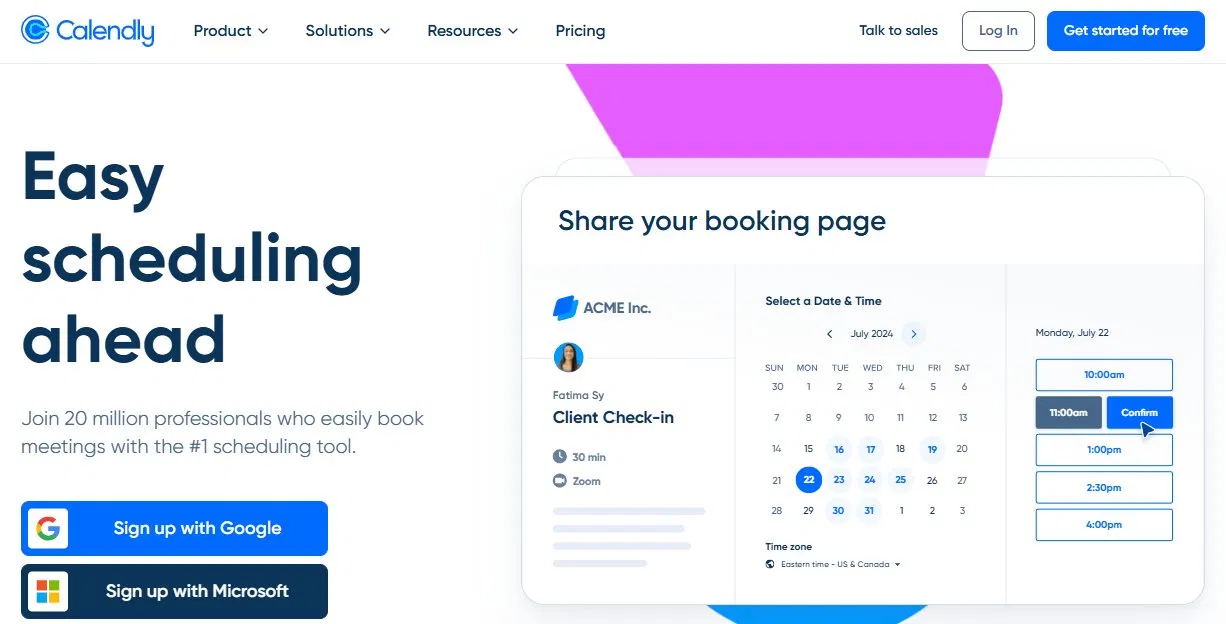
Calendly is the most widely recognized scheduling tool in the market and genuinely works well for simple, one-on-one booking. Many recruiters use it for initial phone screens and it gets the job done at that level.
Where it falls short is three-party coordination. Calendly is built for the person who owns the link - you set availability, someone books. If you need your client to share their open times, or want to collect availability from both sides simultaneously, Calendly doesn't have a native solution for that. You'd still be managing the client side manually.
Free plan available. Paid plans run from $12 to $20 per seat per month, with enterprise plans starting around $15,000 per year.
Best for: recruiters who primarily need to book initial screens or phone calls where they're one of the participants.
Paradox
Paradox is built around its conversational AI assistant, Olivia, which handles candidate engagement via SMS and chat. It's particularly strong for high-volume, frontline hiring - retail, healthcare, hospitality - where speed-to-interview matters most and the candidate experience needs to be frictionless on mobile.
It's less relevant for agency recruiters managing professional-level searches, but if you're doing volume hiring for hourly roles, Paradox has carved out a strong position in that space. Pricing is enterprise-tier and not publicly listed.
Best for: high-volume hiring for hourly or frontline roles where SMS-based candidate engagement is a priority.
VidCruiter
VidCruiter combines video interviewing with interview scheduling in one platform, with a strong focus on compliance and structured hiring processes. It's particularly well-regarded for government, regulated industries, and organizations that need detailed audit trails and standardized interview formats.
If scheduling is your primary need, VidCruiter may be more platform than you need. But if you're running structured video-based interviews alongside your coordination workflow, having both in one place is a real advantage. Pricing is not publicly listed.
Best for: organizations that need structured, compliant interviewing alongside scheduling - particularly in regulated or government hiring contexts.
Koalendar
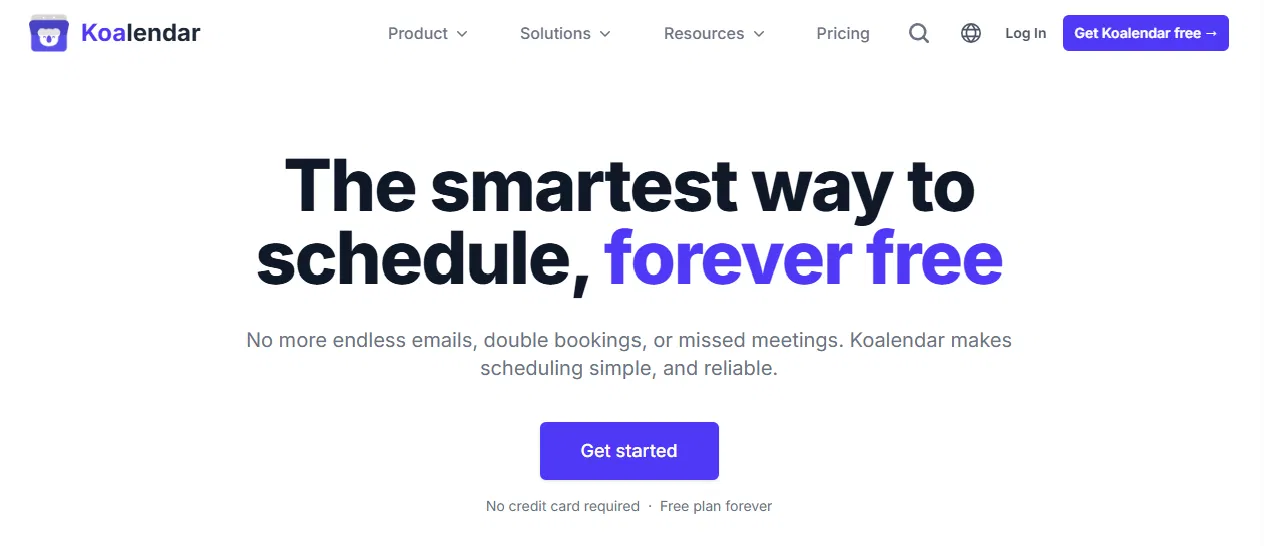
Koalendar is a lightweight alternative to Calendly that's worth considering if cost is the main driver. It offers unlimited bookings on its free plan, multiple calendar connections, time zone handling, and round-robin support - more than Calendly's free tier allows.
Like Calendly, it's built for simple one-to-one or one-to-many booking, not for coordinating external clients and candidates simultaneously. But for teams that just need a clean, inexpensive scheduling link, it's a solid option.
Best for: budget-conscious teams or solo recruiters who need a basic scheduling link without paying for Calendly.
Which alternative is right for you?
If the issue with GoodTime is cost, the right answer depends on your workflow. Calendly and Koalendar are inexpensive, but they only solve the simpler scheduling problems. ModernLoop is a closer functional match to GoodTime if you're an in-house team that just wants more flexibility on pricing.
If the issue is workflow fit - you're an external recruiting agency and GoodTime simply wasn't designed for how you work - that's a different situation. Coordinating between clients and candidates who aren't inside your organization is a specific problem, and most tools on this list don't address it directly. Arrange is the one built for that.
The 14-day free trial makes it easy to test without a commitment. If you're already spending time chasing down client availability or manually logging confirmed interviews into your ATS, it's worth seeing how much of that disappears.
FAQs
Is GoodTime worth the cost for smaller recruiting teams?
Generally not. GoodTime is priced for enterprise talent acquisition teams with high interview volume and dedicated coordination staff. At around $25,000 per year as a starting point, it's hard to justify for smaller teams or agencies that don't have the volume to absorb that cost - and the workflow is designed for internal hiring, not external agency coordination.
What's the best GoodTime alternative for recruiting agencies?
Arrange. GoodTime is built for in-house teams coordinating internal interviewers. Recruiting agencies have a different problem - they're coordinating between external candidates and clients who aren't in their system. Arrange is the only tool on this list built specifically for that workflow, with no login required for clients or candidates.
Can I switch from GoodTime without disrupting my team's workflow?
It depends on how deeply GoodTime is embedded in your process. If you're an in-house team with heavily customized workflows, a migration takes planning. If you're an agency that's been using GoodTime primarily for candidate-facing scheduling, tools like Arrange can typically be set up and tested within a day or two alongside your existing stack.


.jpg)

.jpg)
.jpg)